
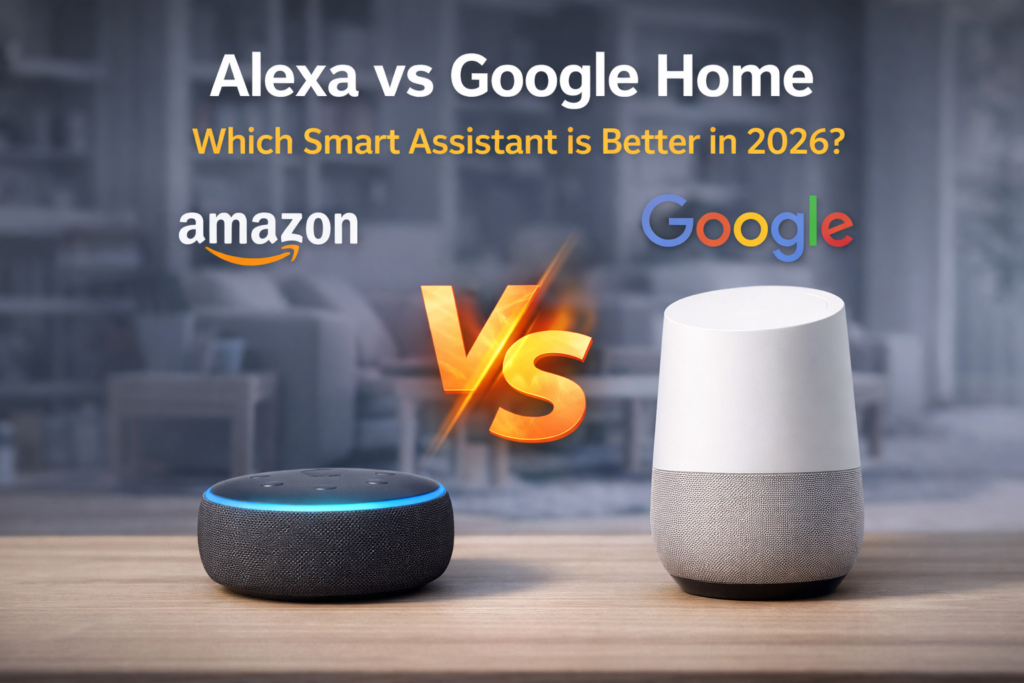
Smart homes are growing rapidly in 2026, with millions of households now depending on voice assistants to control everything from lights and thermostats to entertainment systems and security cameras. The convenience of simply speaking to get things done has changed how we interact with technology at home.
Two giants dominate this space:
Amazon’s Alexa and Google Assistant. Both have evolved significantly over the years, offering impressive features and connecting to thousands of smart devices. However, choosing between them can feel overwhelming, especially when both seem to offer similar capabilities.
Table of Contents
Which one is actually better—Alexa vs Google Home vs Google Assistant?
Many users find themselves confused about which platform to invest in. Should you go with Alexa’s extensive smart home ecosystem, or does Google Assistant’s superior AI intelligence make it the better choice? The decision becomes even more complex when you consider factors like privacy, pricing, and long-term compatibility.
This comprehensive comparison will break down everything you need to know about alexa vs google and alexa vs google home systems. We’ll examine their strengths, weaknesses, and real-world performance to help you make an informed decision. By the end of this guide, you’ll have a clear understanding of which alexa vs google assistant platform works best for your specific needs and lifestyle.
Whether you’re setting up your first smart home or considering switching from one platform to another, this complete comparison will give you the insights needed to choose the right voice assistant for 2026.
Alexa vs Google Home – Quick Comparison Table
Feature | Amazon Alexa | Google Assistant |
Image | 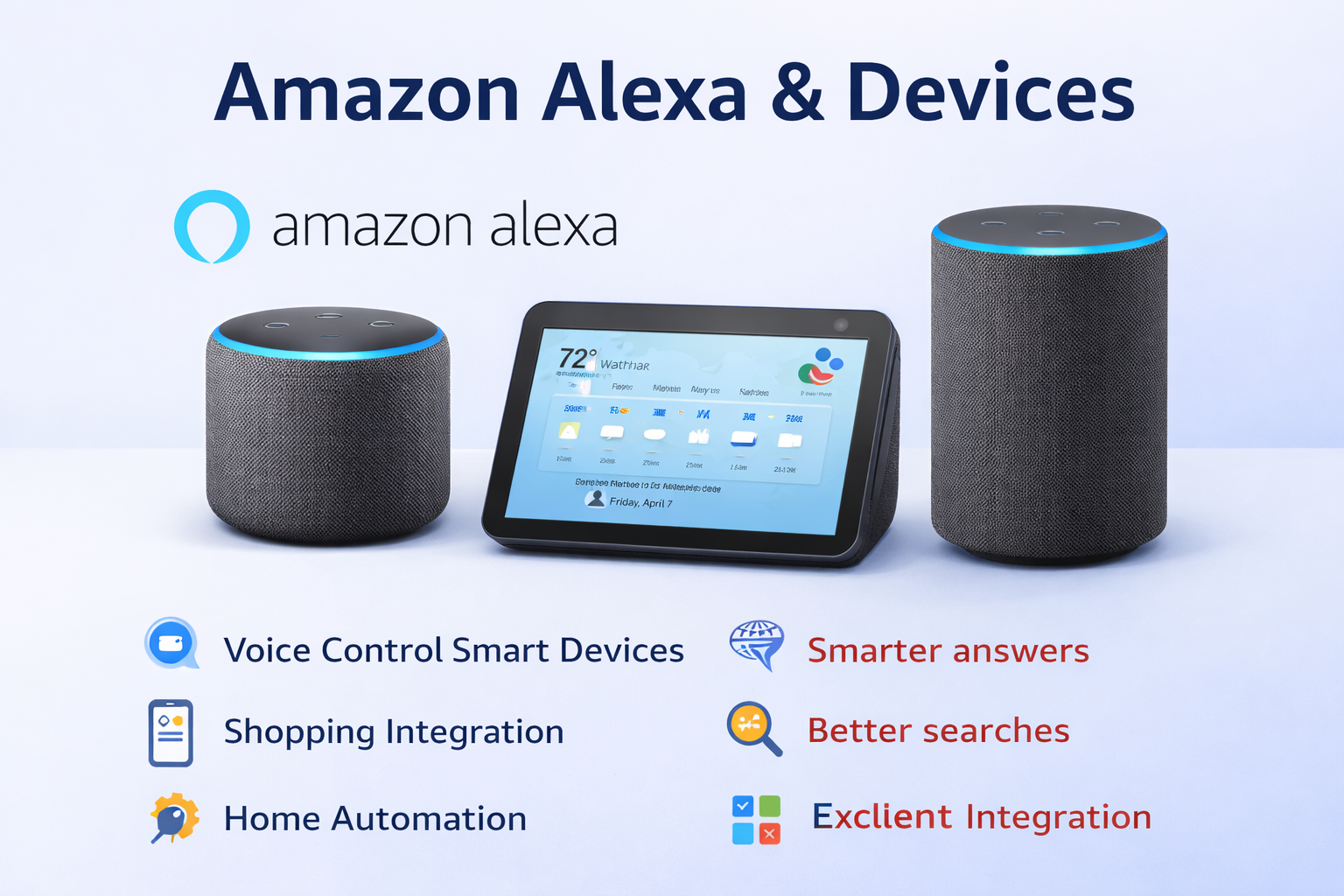
| 
|
Voice Assistant | Alexa | Google Assistant |
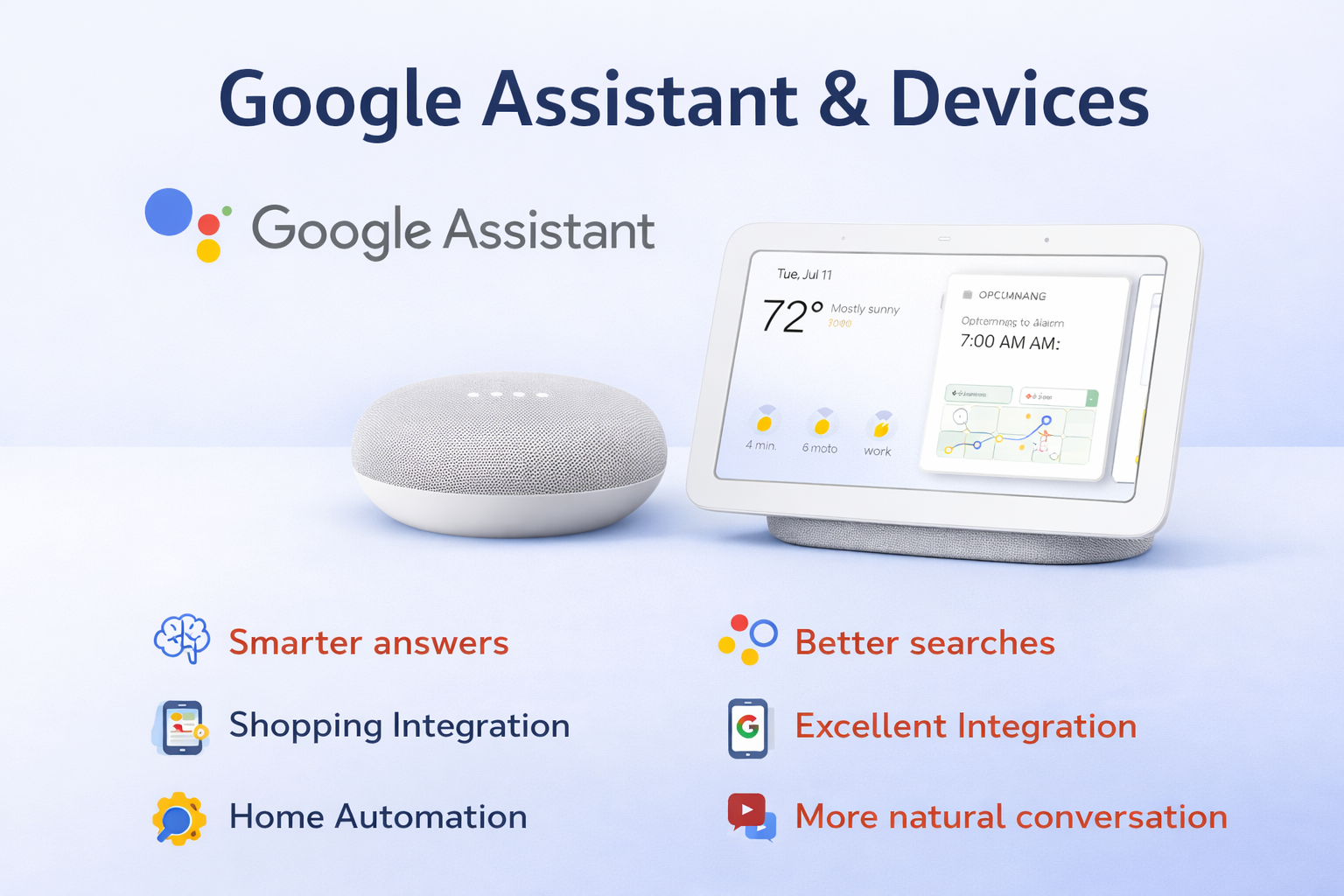
Device Ecosystem | Echo Dot, Echo Show, Echo Studio | Nest Mini, Nest Hub, Nest Audio |
Price Range | $30 – $400 | $50 – $230 |
Smart Home Compatibility | 100,000+ devices | 50,000+ devices |
Privacy | Voice recordings stored, deletable | Similar storage, better transparency |
Ease of Use | Simple commands, great for beginners | Natural conversation, context-aware |
Best For | Smart home automation, shopping | Search queries, AI conversations |
Star Ratings | ||
Read Review | ; | ; |
What is Amazon Alexa?
Amazon Alexa is a voice assistant that works over the internet. It is used in Amazons Echo devices and lots of smart home products made by other companies. Amazon Alexa was first made available in 2014. Since then Amazon Alexa has become one of the most complete smart home systems that people can use today. Amazon Alexa is really good, at helping people control their home products.
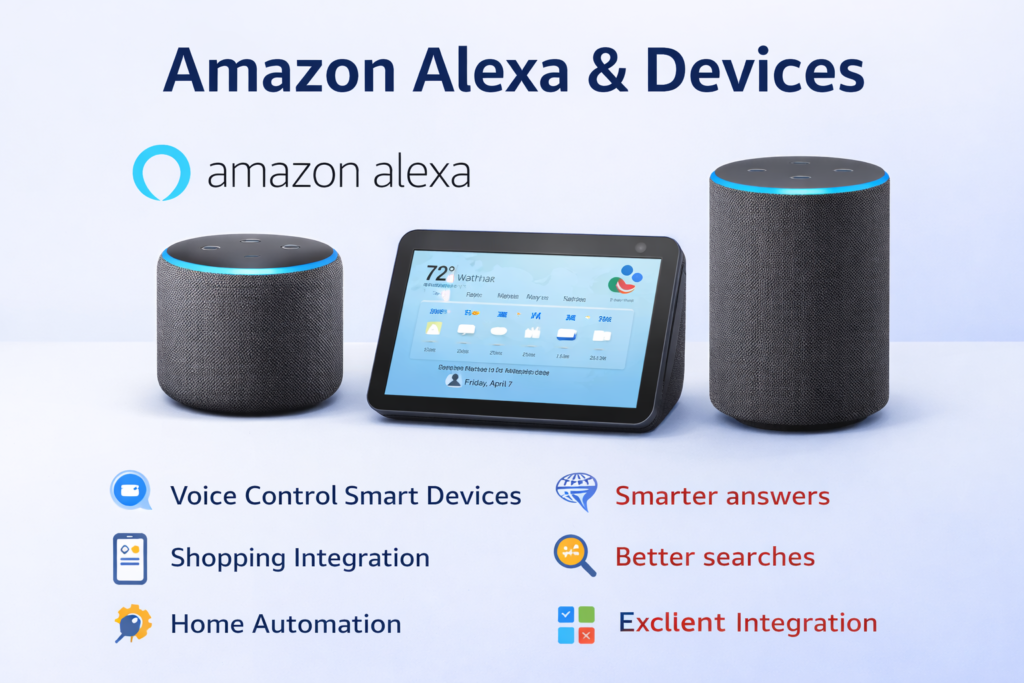
When you compare amazon alexa vs google home you should start by looking at the amazon alexa devices. The amazon alexa devices that people like the most’re
Echo Dot: This is a smart speaker from Amazon that is not too expensive. It is a way to try out amazon alexa in any room. The Echo Dot costs $50 so it is perfect for people who want to try voice control without spending a lot of money. The Echo Dot is small so it can fit anywhere. The sound is pretty good for something so small.
Echo Show: These amazon alexa devices have a screen that you can touch. There are a few kinds of Echo Show like the small Echo Show 5 and the bigger Echo Show 15. The Echo Show is great, for making video calls watching videos and controlling your home devices with pictures.visual smart home controls.
Alexa’s key features make it stand out in the smart home space:
Skills:There are than 100,000 Skills available. You can use Skills to do things like order a pizza or control smart devices in your home. Skills make Alexa do a lot more than the basic things. Some popular Skills are Spotify, which’s for listening to music and Uber which is, for getting a ride. You can also use Skills to control smart devices in your home.
Smart Home Control: Alexa is really good at managing all the devices that are connected to it. You can make routines that do a lot of things when you say one thing, like when you say ” morning” it can turn on the lights start the coffee and tell you the weather. Alexa makes it easy to control all these devices with one voice command, which is pretty cool. Alexa can do all this and more making life a little easier, for you.
Shopping Integration: You really like using Amazon products. Alexa is one of them. Alexa makes it very easy for you to shop online. Can add things to your cart. you can also reorder things bought before. can even track where your deliveries are just using voice command. Alexa is very helpful when you want to shop on Amazon.
The platform is really good because it has a lot of things that work well together and it works with a lot of devices. This makes it a great choice for people who want to control their homes with devices. The platform is a choice, for people who like smart home automation.
You can explore more features on the official Amazon Alexa page.
What is Google Assistant
Google Assistant is what Google uses for voice control with the help of intelligence. This thing uses what Google is good at, which is searching for stuff. It also uses something called machine learning. The Google Assistant has been on Android phones since 2016. Now it is also on home devices. So the Google Assistant is like a competitor, to Alexa.
In the alexa vs google assistant battle, Google’s device ecosystem centers around the Nest brand:
Google Nest Mini: The entry-level smart speaker that you can buy for costs around $50, and it has really good sound. The smart speaker is small, and it has a fabric cover, so it looks nice with your home decor, and get to use Googles AI and that is a big deal.
Nest Hub: These smart displays are available in two sizes, 7-inch and 10-inch versions. The screen quality of these displays is really good. These smart displays work well with Google services. I think these smart displays are great, for looking at photos and watching YouTube videos. You can also use these displays to control smart home devices, which is very convenient.
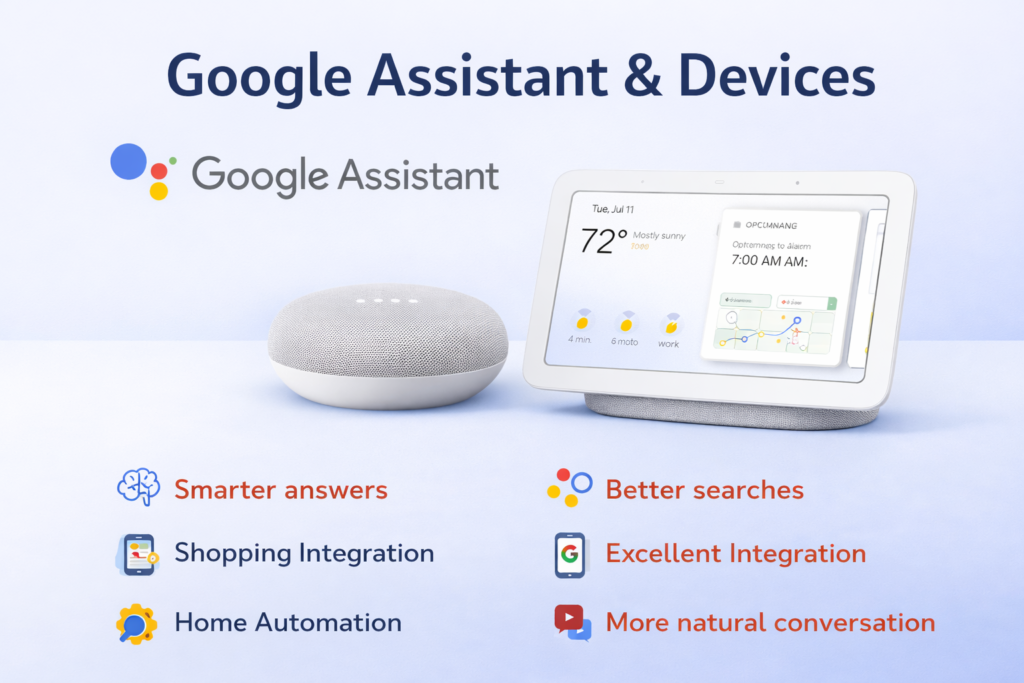
Google Assistant’s standout features include:
Search Power: Google really stands here. You can ask questions need calculations done or look for specific info and Google Assistant usually gives you better answers, than competitors. It understands condition better, allowing for more natural follow-up questions.
AI Responses:Googles artificial intelligence is really good at talking to people. It can understand what you want even if you ask for something in a way. Googles artificial intelligence can also remember what you were just talking about so it can give you an answer. The answers, from Googles intelligence do not sound like they come from a machine they sound more like they come from Googles artificial intelligence.
Integration with Google Services: If you use Gmail, Google Calendar, YouTube, or Google Photos, the integration is seamless. You can ask about your schedule, play specific YouTube videos, or display family photos you do all of this with voice commands.
Google Assistant is really good at understanding what you say and talking to you in a way. This makes Google Assistant perfect for people who want to use something that’s really smart and can have conversations like a human. Google Assistant is great, for people who like using intelligence to get things done.
Learn more on the Google Assistant official website.
Alexa vs Google Assistant – Feature Comparison
Voice Recognition & AI Intelligence
Google Assistant is really good at understanding what we say and giving answers. It did great in tests answering questions correctly and getting what we meant better than Alexa. Google Assistant was more accurate, with questions. It also understood the conversation better.
So when you ask something like “Who’s the president?”. Then you ask “How old is the president?” Google Assistant gets what you are talking about and tells you the presidents age. The president is who you were just asking about.Alexa sometimes struggles with these contextual follow-ups.
Alexa is really good at getting what you want when you give her things to do like controlling you smart home stuff. When you say something like “Turn off the living room lights” or “Set the thermostat to 72 degrees” Alexa does it fast. It always works. Alexa is great with these kinds of commands, for you home.
Smart Home Compatibility
Alexa has a lead when it comes to working with smart home devices. It works with over 100,000 devices. Google works with around 50,000 devices. Big brands, like Philips Hue and Ring and Nest and Samsung SmartThings all work well with Alexa.
Google is getting better and better. They are adding devices that work with it all the time. The people at Google think it is more important to make sure everything works together rather than just adding a lot of devices. Google is really good at helping you group your devices in a way that makes sense. It is easy to tell it what you want to do. Googles device grouping is very intuitive. You can control it with natural language, which is something that Google is very good, at.
Both platforms support popular protocols like Zigbee and Matter, but Alexa’s longer market presence gives it broader compatibility with older smart home devices.
Music & Entertainment
Both assistants are really good, at handling music. They support Spotify, Pandora and other music streaming services. The Alexa assistant works well with Amazon Music because it is made by the same company. The Google Assistant works well with YouTube Music too.
When it comes to video content Google has an advantage because of YouTube and Chromecast. You can send videos to your television using your voice. Alexa is good with Amazon Prime Video and Fire TV devices. The thing is, Alexa does not have all the videos that YouTube has. YouTube has a big collection of videos. Google and YouTube are very useful, for video content.
Sound quality depends on the device you are using. The model of the device matters more, than the type of voice assistant it uses. For example Googles Nest Audio usually sounds better. This is compared to Echo devices that cost the same.
Skills vs Actions
Alexa has a lot of Skills that you can use. There are over 100,000 Skills for Alexa. These Alexa Skills cover a lot of things like games and tools to help you get work done. The variety of Alexa Skills is really great. The thing is, some Alexa Skills are better, than others. It depends on who made the Alexa Skill.
Google Actions is now a part of the Assistant. It is about working together smoothly. This way feels more natural. Google Actions does not have as many special functions as Alexa does. Alexa has a lot of Skills that people can use. I think Google Actions is simpler. Alexa has more things it can do.
Most people find that these two platforms have what they need to get things done every day.. If you are someone who really likes to customize things you might like Alexa better because Alexa has more options to make Alexa work the way you want Alexa to.
Alexa vs Google Home Device Comparison
The alexa vs google home comparison shows some interesting differences in how they are designed and how they are priced. When you look at alexa and google home you can see that they have ideas, about what people want in a smart speaker.
Echo vs Nest Design: Amazons Echo devices are really, about getting the job done. They do not look super fancy. The Echo Dot is a cylinder and the Echo Show is a rectangle. You can tell what they are. They are not really stylish. Amazons Echo devices are made well though. You can get Amazons Echo devices in a lot of colors. options.
Googles Nest devices focus on design. They use fabric covers and curved shapes that fit in with home decor. The Nest Mini looks like a decorative item. The Nest Hubs display seems to float on top of its base.
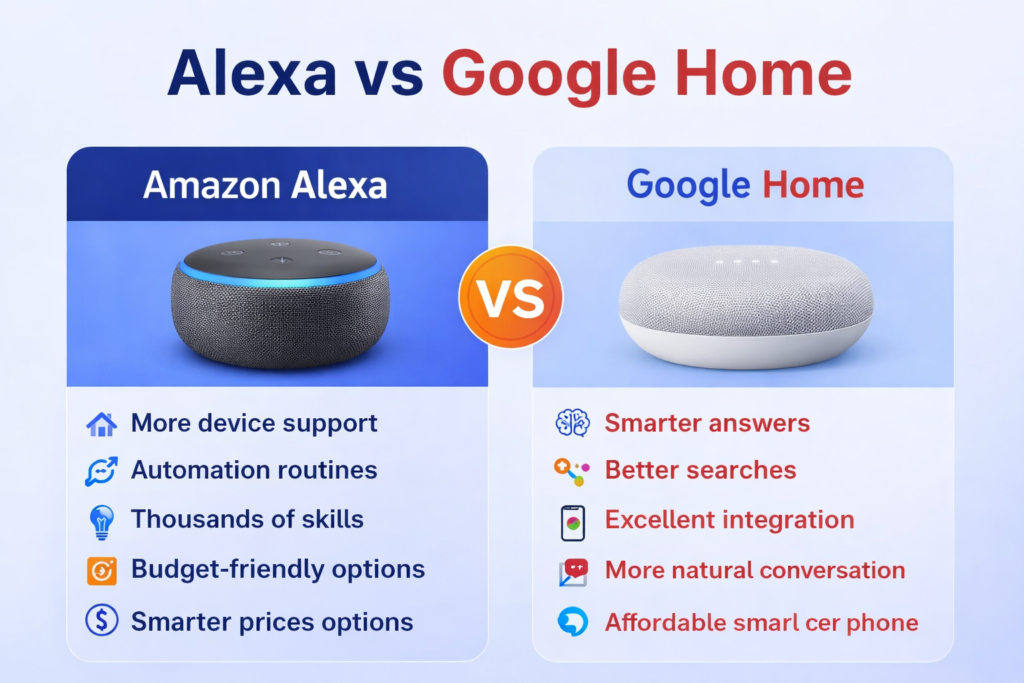
Display Quality: The Google Nest Hub devices have great screens. They show colors that look real and you can see the screen clearly from the side. The interface of the Google Nest Hub devices looks very nice. It shows you things you need to know like the weather and what is happening on your calendar. It also shows your photos automatically.
Amazon Echo Show devices are okay they have screens that work and all. They seem kind of simple. The interface has a lot going on it shows a lot of information which can be a bit too much to look at.. One good thing, about the Amazon Echo Show devices is that they come in different screen sizes like the big Amazon Echo Show 15 that you can even mount on a wall.
Speaker Performance: Google generally produces better-sounding speakers at similar price points. The Nest Audio sounds way better than the Echo Dot, with bass and overall sound. Amazons high-end Echo Studio is a strong competitor, to expensive smart speakers.
Price Comparison: When you are looking for something, Amazon usually has better deals. The Echo Dot often goes on sale for $30 or even less. Googles prices do not change much. They are higher. The Nest Mini from Google does not usually cost than $40. If you want a good device Amazon and Google charge about the same. Amazon has more options when it comes to devices that cost, between one $100-200 range.
Alexa vs Google Home: Privacy & Security
Privacy is a worry when picking between these platforms. They both gather voice data to make their services better.
Data Collection: Amazon and Google are always listening to what we say. They record our voice. Store it online. Amazon keeps these recordings connected to our account forever unless we decide to delete them ourselves. Google also saves the things we say. They are more open, about what they are collecting and the reason they are doing it.
Voice Recordings: Amazon stores voice recordings to help make Alexa better and add features. You can review it and delete these recordings using the Alexa app.But you have to do it yourself it does not happen automatically.Some people say that Alexa sometimes records by mistake.This happens when words that sound alike make Alexa think you are talking to her.
Google has a way to store your voice. Google also gives you the option to automatically delete your recordings. You can choose to delete your recordings after three months or, after eighteen months.You can just keep them forever. The Google Assistant app is really helpful because it makes it easy for you to find and manage your voice history on Google
Privacy Controls: Google is doing a job with privacy. They are being very open about what Google data they collect from people. Google also gives people a lot of control, over Google data. The Google privacy dashboard is really helpful. It shows you what Google information is stored about you. You can even delete Google items if you want to.
Amazons privacy controls are okay. They can be hard to figure out. The Alexa app lets you delete things that were recorded and change your privacy settings. However these options are not easy to find because they are far down, in the menus
Security Features: Both Amazon and Google use encryption to protect voice data when it is sent and stored.Amazon has a guest mode and voice profiles. This helps to prevent purchases or access, to personal information.Google offers features. They also have Family Link controls. These controls help parents manage how children use the Google assistant.
Neither platform is more secure, Google gives better tools. These tools help users manage their privacy settings. Googles tools are useful, for people who want to control their privacy.
Alexa vs Google Home vs Siri – Which is Better?
Adding Apple’s Siri to the siri vs alexa vs google comparison provides a complete picture of the voice assistant landscape in 2026.
Amazon Alexa remains the smart home king. It works with the devices and has the most automation features. This is best for users who want to control their home fully and do not mind having a less friendly conversation, with it.
Google Assistant Google gives you the answers and the conversations feel very natural. Google is really good, at answering your questions. It understands what you are talking about. Google also works well with Google services. If you want something that’s really smart and you use Google services all the time then Google is the way to go.
Apple Siri you like using Apple Siri because it really looks out for your privacy and it works great with Apple devices. It is not so good when you want to control things in your home with it. Apple Siri is good for people who have a lot of Apple devices and do not need to control a lot of home stuff. Apple Siri is very good at keeping your information private. It is easy to use with other Apple devices.
For alexa vs google vs siri comparison in 2026:
| Assistant | Best For |
|---|---|
| Alexa | Smart home automation |
| Google Assistant | AI & search |
| Siri | Apple ecosystem |
The choice depends on your priorities: smart home automation (Alexa), AI intelligence (Google), or Apple ecosystem integration (Siri).
Amazon Alexa vs Google home Pricing & Value for Money
Understanding the cost of each ecosystem helps you make a smart decision that goes beyond just the initial device prices.
Budget Devices: Amazon often has the option with Echo Dot on sale for as low as $25.The Google Nest Mini usually costs $50. It does go on sale sometimes. Both of these devices can do things like talk to you and control some smart home stuff. They are good if you are, on a budget.
Premium Devices: The high-end prices are similar across platforms. Amazons Echo Show 15 costs around $250, The Google Nest Hub Max costs $230.Amazon has variety in the premium segment. They offer the Echo Studio for music lovers at $200.The Echo Studio is an option for those who care about sound quality. The Echo Studio is an option for those who care about sound quality. The prices of these devices are similar to what Google’s offering.
Subscription Costs: Both platforms offer features, for free. You do not need to pay for basic functionality. If you want extra features, you have to pay more. The premium features cost money.
- Amazon: Prime membership ($139/year) provides additional Alexa features, free music, and shopping benefits
- Google: YouTube Premium ($12/month) enhances the assistant experience with ad-free YouTube and background play
Long-term Value: When you think about the long-term value you have to consider the costs that keep going on. This is important when you compare platforms. Amazon has sales a lot. They also have bundle deals. These can help reduce the amount of money you have to pay at first. On the other hand Google has prices that do not change much. This means you will not have a lot of surprises. Both Amazon and Google update their software all the time. They do this without charging you any money.
Hidden Costs: The cost of smart home devices that work with each platform is different. Alexa works with a lot of devices so you can find some options that are compatible with it. On the other hand, Google has a smaller group of compatible smart home devices, which can mean you have to pay more for the smart home products that work with Google. This is something to think about when you’re choosing a platform for your smart home devices, like smart home products that are compatible with Alexa or smart home products that are compatible, with Google.
People who want to save money usually find that Amazon is a choice because they have a lot of sales and things that work with their devices are pretty cheap. On the hand if people care more about getting the best quality and do not mind paying more they might like what Google has to offer because Google focuses on making premium products.
Alexa vs Google Home Smart Assistant often require additional devices like smart plugs for automation. You can check our detailed guide on the best smart plugs for 2026.
Pros and Cons: Google home vs Alexa
So you want to know which one is better for you. Lets look at what each one can do.
Alexa ✅ Pros:
- More Smart Home Support: Works with lots of home devices, Over 100,000 many of them are cheap.
- Better Automation: You can make routines and schedules for your smart home.
- Shopping Integration: You can order stuff on Amazon with your voice and track your packages.
- Extensive Skills Library: Over 100,000 skills. These skills help with many things for various needs.
- Multiple Device Options: You have many Echo device options. They come in different price range and shapes.
- Frequent Sales: Alexa devices often go on sale. That makes them more affordable.
Alexa ❌ Cons:
- Slightly Weaker AI: Alexas AI is not as strong. It doesn’t always understand what you mean like Google does.
- Privacy Concerns: Some people worry about Alexa’s privacy. It doesn’t tell you much about what it does with your data.
- Cluttered Interface: The Echo Show can be messy. There’s much stuff on the screen.
- Amazon-centric: Alexa works best If you use Amazon services regularly. If not it’s not as good.
Google ✅ Pros:
- Better Answers: Its AI is stronger. Understands what you mean and provides more accurate and detailed responses to questions
- Strong AI: It can have a conversation and understand the context.
- Google Services Integration: you can easily use Gmail, Calendar, Photos and YouTube with it.
- Design: They look good and fit in with your home decor.
- Privacy Transparency: Google is clear about data collection, and They have better privacy controls.
Google ❌ Cons:
- Fewer Integrations: This limits your options, for more home devices.
- Higher Prices: Google devices are generally more expensive with fewer sale opportunities
- Limited Skills: The skills are limited. There are not many third-party developers compared to Alexa.
- Google-dependent: It works best if you already use Google services a lot.
The choice usually comes down to what matters to you. It is often between home features and many options which Alexa offers.On the hand Google offers smart features, with good design.AI intelligence and design are what Google focuses on.
Alexa vs Google Home: Which is Better?
After comparing features, real user feedback, and performance differences between popular models, the answer depends on your specific needs and preferences.
Best for Smart Home → Alexa: If you want to make your home really smart Alexa is the way to go. It works with a lot of devices. You can use it to turn on lights and locks and even control the temperature with the thermostat. It also works with security cameras. Alexa is great, for setting up systems. You can tell Alexa to do things at times or make it do a bunch of things at once. If you want to control everything in your home with Alexa you can make it happen.
Best for AI & Answers → Google: If you want to have conversations and get the right information Google Assistant is the way to go. Google Assistant is really good, at knowing what you are talking about. It gives you detailed answers. You feel like you are talking to a person when you use Google Assistant.
Recommendations by User Type:
Beginners: If you are a beginner you should start with the Amazon Echo Dot. The Amazon Echo Dot is a choice because it is not expensive and it is easy to use. The Amazon Echo Dot is a way to get started with voice assistants. You can find a lot of help online for the Amazon Echo Dot and the commands are easy to understand. This makes the Amazon Echo Dot a good choice for people who are just starting out with voice assistants, like the Amazon Echo Dot.
Tech Users: If you are someone who likes exciting technology you should think about using Google Assistant. Google Assistant is really good at understanding what you say. It is very smart. People who want the voice technology will like Google Assistant because it is very advanced and it works well with other Google services.
Budget Users: Amazon has a lot of sales, which means you can buy things at a price. The devices from Amazon are also cheaper. If you want to make your home a smart home Amazon has a lot of accessories that are easy, on the budget. The Amazon system works well. You do not have to pay a lot of money for it. Amazon offers value for Budget Users because of these reasons.
Power Users: Power users really like Alexa because it has a library of Skills and can-do automation. This makes it great for people who want to control lots of things in their home. Alexa’s flexibility and options to customize are perfect for setting up homes with many devices.
Google Ecosystem Users: If you use Gmail and Google Calendar and YouTube the Google Assistant is really good, at working with these Google things. It is hard to find something that works well as the Google Assistant does with the Google Ecosystem.
The verdict: Choose Alexa: if you want to control your home and get a good deal you should go with Alexa, choose Google if you want something that is really smart and can have a nice conversation with you then Google is the way to go.
❓FAQs
Is Alexa better than Google Assistant?
It depends on what you want to do. Alexa is really good at helping you control your home with a lot of devices. Alexa can do a lot of things with home devices. Google Assistant is better at talking to you and answering questions. If you want to control your home Alexa is the way to go. If you want to have a conversation and get answers Google Assistant is better.
Which is safer, Alexa or Google?
Both of them listen to what you say. Google tells you more about what they do with that information. Google makes it easy to get rid of the things you said and has privacy settings. Both of them keep your information safe so you do not have to worry. Neither one is a lot safer than the other.
Can Alexa work with Google devices?
Yes some Google devices like Nest thermostats and Chromecast can work with Alexa. You just need to use something called Skills. However you cannot tell Google devices what to do with Alexa voice commands. There are some workarounds. It is not easy.
Which is cheaper?
Amazon usually has prices and you can get an Echo Dot for a low price. Google devices cost a bit more. They are good quality. If you are on a budget Amazon is usually cheaper. Has more devices that work with it.
Which is best for smart home beginners?
Amazon Alexa is a choice for people who are new, to smart homes. Alexa is easy to use. It can work with a lot of devices. The Echo Dot is a place to start and it is easy to set up. You can find a lot of help online if you need it.
Can I use both Alexa and Google Assistant together?
Yes you can have both in your home. It can get a bit confusing. Each one does its thing so you have to remember which one controls which device. Most people find it easier to use one.
🔗Related Articles
- Amazon Alexa Not Responding? 12 Proven Fixes That Work Instantly (2026 Guide for Echo Dot & Echo Show)
- Google Home Setup Step-by-Step (2026 Guide for Google Nest, Mini & Smart Home Devices)
- Amazon Echo Dot (5th Gen) Review (2026) – Is It Worth It?
- Google Nest Mini (2nd Gen) Review – Best Budget Smart Speaker? (2026)
- Best Smart Speakers for Small Apartments (2026 USA Guide)
- Best Bluetooth Speakers 2026: Shocking Smart Home Picks Under Budget
- Best Smart Speakers Without Subscription (2026)
📣 Final Thoughts / Conclusion
The debate about alexa vs google home in 2026 is really about what matters to you and how you want to use voice technology in your daily life.
Amazon Alexa is the choice for people who want to control all their smart home devices easily. It has a lot of features and options to make your life easier. You can buy devices for your home at a price during sales and Amazon Alexa works with many different devices. This makes it a good choice for people who want to make their home smart.
Google Assistant is better for people who want a voice assistant that can have conversations with them. It can understand what you mean. Give you smart answers. If you use Google services a lot Google Assistant is a choice because it works well with them.
Amazon and Google are always making their voice assistants better. They add features and make their assistants work with more devices. So if you choose one of them in 2026 it will still be a choice for a long time.
You should start with the platform that works best with what you have. You can always add devices or switch to a different platform later.. If you choose the right one now it will make it easier for you to have a smart home that is fun to use. Amazon Alexa and Google Assistant are. Good choices so think about what you need and choose the one that is best, for you.
Pingback: Best Kitchen Appliances in USA (2026): Top Picks for Every Home
Pingback: Smart Hub Is Being Updated? 6 Proven Fixes That Work Fast (Samsung TV)
Pingback: What Is a Smart Hub? Beginner’s Guide + Best Devices (2026)
Pingback: Amazon Alexa Not Responding? 12 Proven Fixes That Work Instantly (2026 Guide for Echo Dot & Echo Show)
Pingback: Best Smart Thermostat 2026 (Complete Buyer's Guide)