
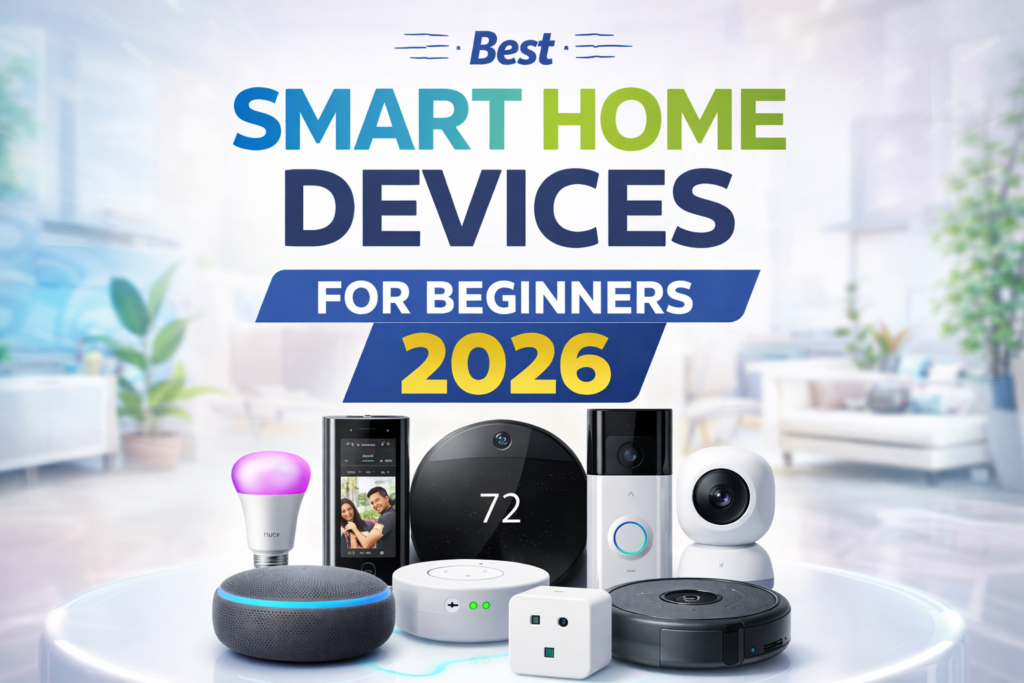
Starting with best smart home devices for beginners may be intimidating. There is an endless variety of devices, ranging from smart speakers to plugs, lights, cameras, locks, and much more that a beginner does not even know how to approach when trying to buy them.
However, getting into smart homes does not need too much spending or technical knowledge. Some smart home devices are quite cheap, and they also tend to be very simple to set up and integrate with systems like Alexa and Google Home.
This article will list some of the best beginner devices and explain what each one does and why someone should get it.
Table of Contents
Quick Start Recommendation
If you’re completely new to smart home technology, start with these two devices:
🥇 Smart Speaker (Amazon Echo Dot or Google Nest Mini)
🥈 Smart Plug (TP-Link Kasa Smart Plug)
Together, these devices cost less than $100 and provide the easiest introduction to smart home automation.
What is a Smart Home Device? (Beginner Friendly)
The easiest way to understand a smart home device is this:
It’s a regular household gadget that becomes more convenient because you can control it with your phone, voice, or automation.
For example, instead of walking across the room to switch off a light or a bulb it allows you to do it from your phone or with a voice command like:
“Alexa, turn off the lights.”
Some devices are surprisingly useful for everyday routines. A smart plug can automatically start your coffee machine in the morning, while a smart speaker can control multiple devices without touching anything.
Most beginners think smart homes are complicated, but the reality is that many smart devices are designed to save small amounts of time and effort throughout the day.
Here are simple examples:
- Smart plug: Makes any regular device controllable from your phone
- Smart speaker: A speaker you talk to that follows your commands
- Smart light bulb: A light you can dim, change colors, or schedule from anywhere
You don’t need to understand the technical stuff. If you can use a smartphone, you can handle smart home devices.
Device | Image | Type | Best For | Key Features | Rating | Review |
Amazon Echo Dot (5th Gen, 2022 Release) | 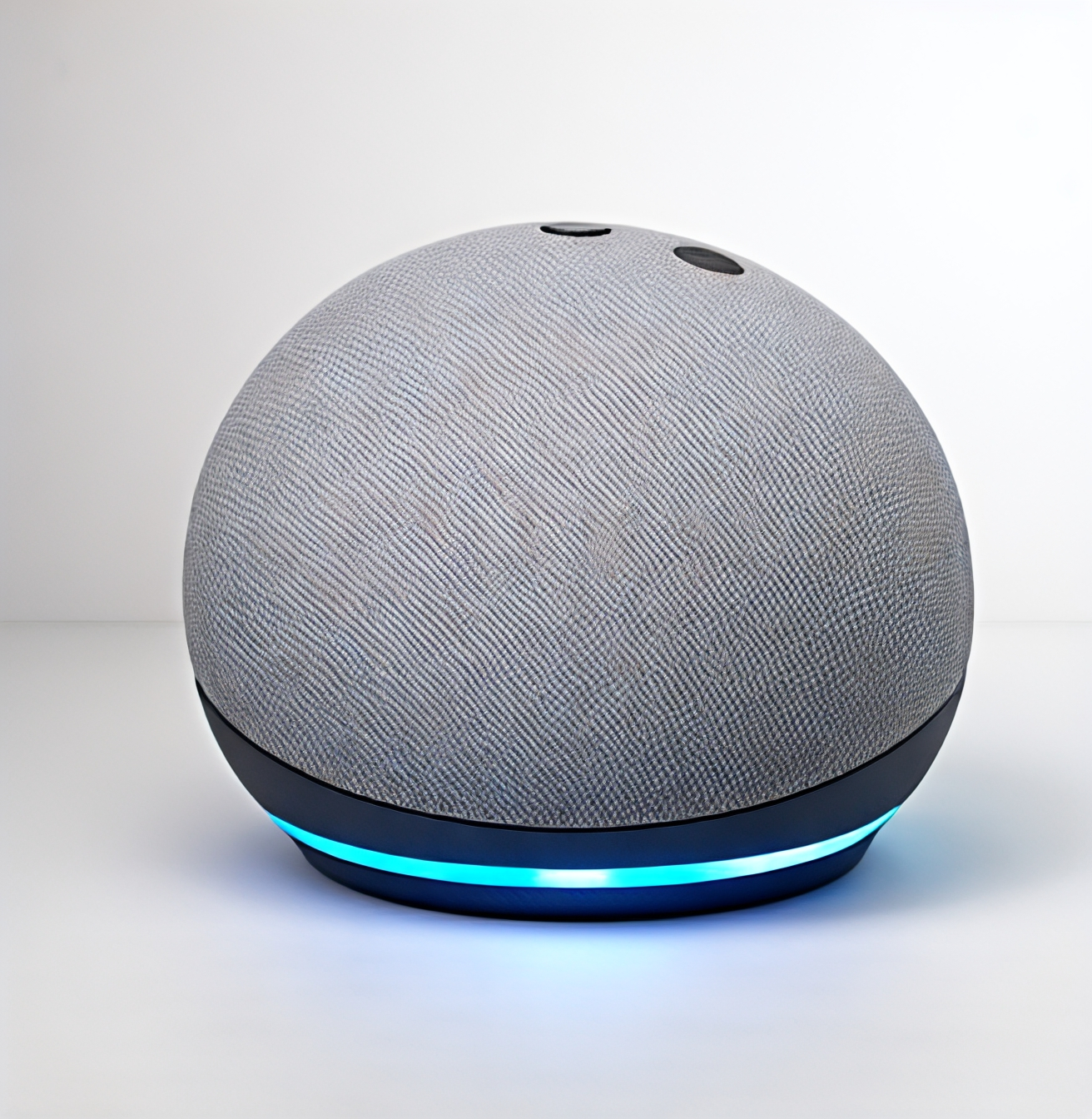
| Smart Speaker | Voice control | Alexa assistant | ; | |
Google Nest Mini (2nd Gen) | 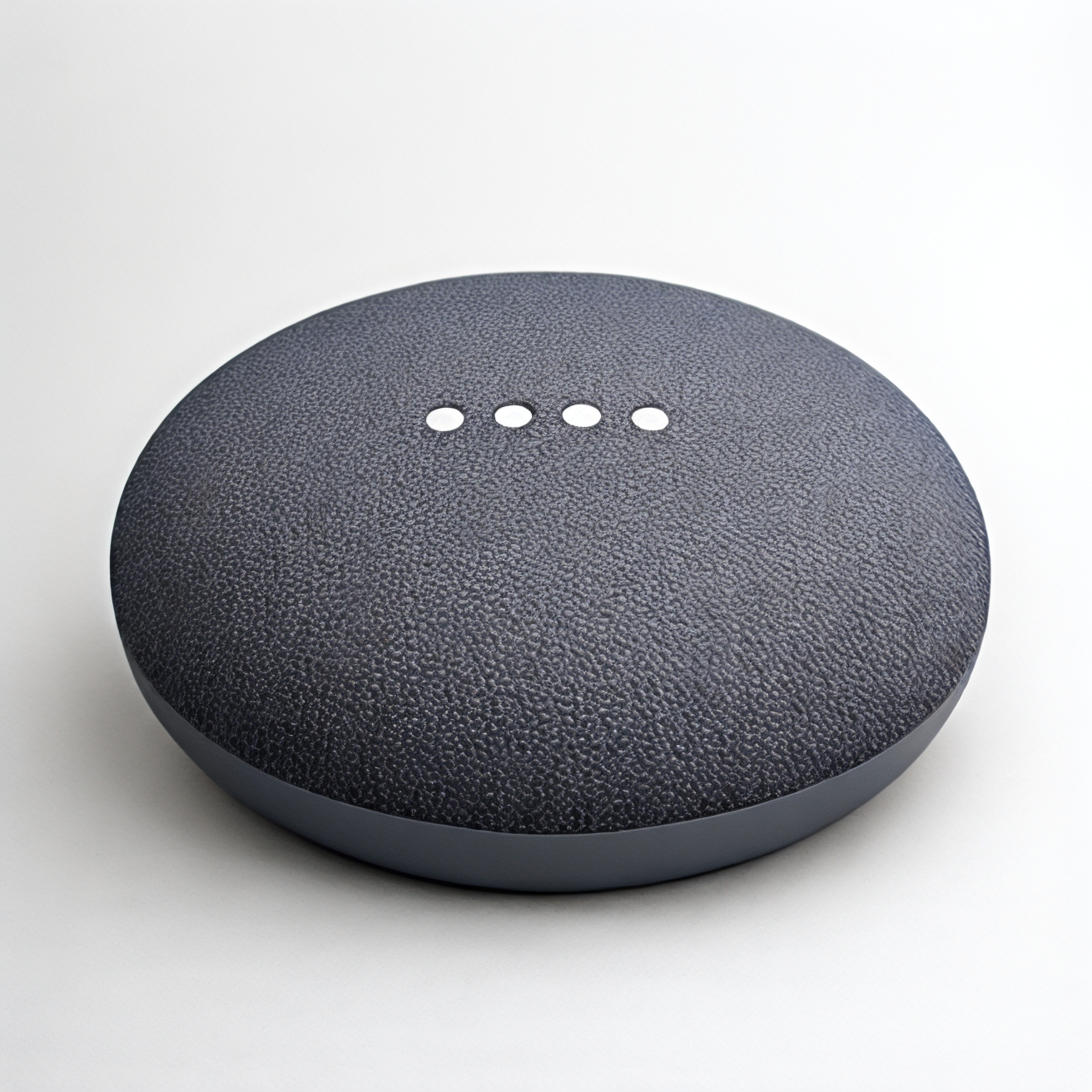
| Smart Speaker | Google users | Smart home control | ; | |
TP-Link Kasa Smart Plug HS103P4 | 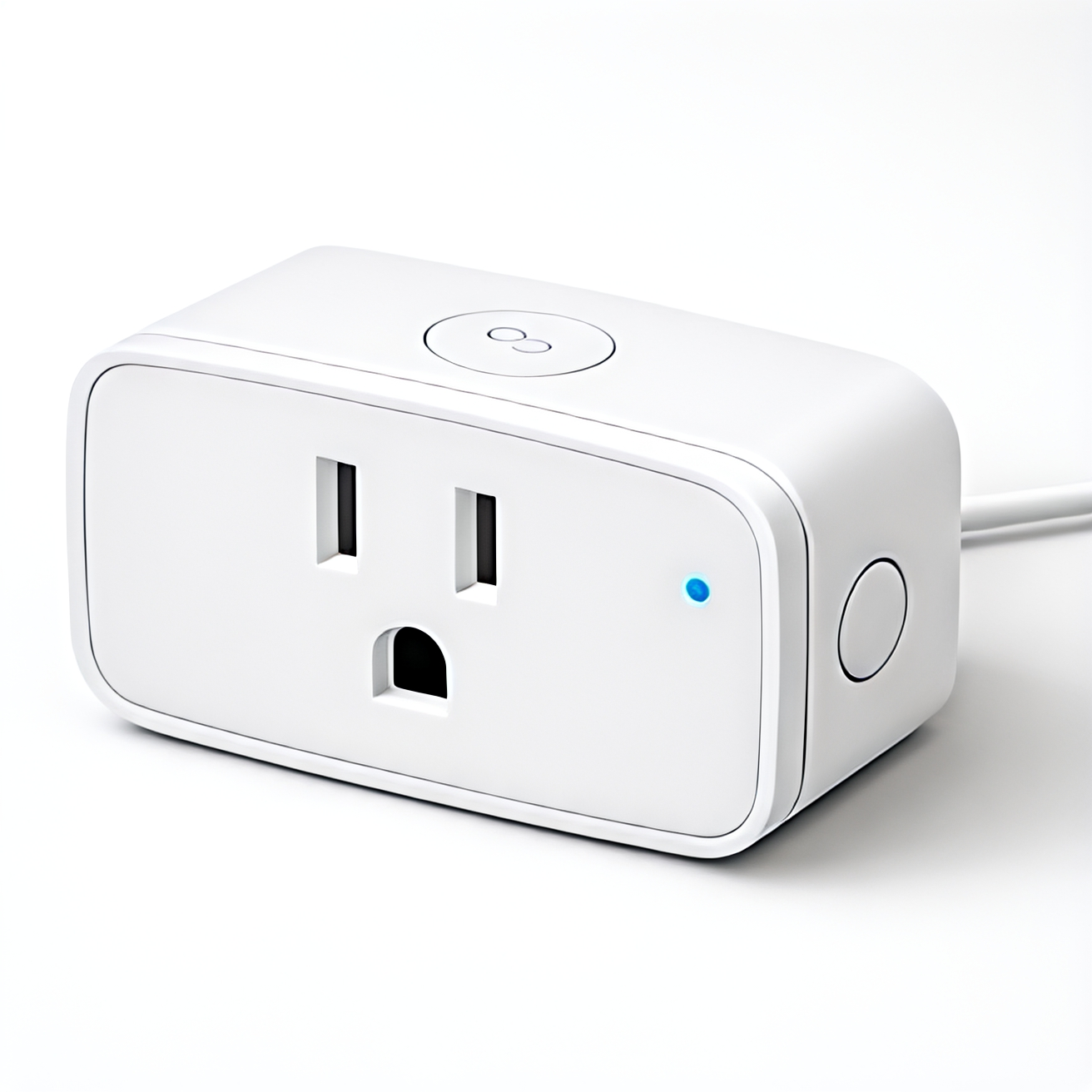
| Smart Plug | Automation | App & voice control | ; | |
Philips Hue White & Color Ambiance A19 Bulb | 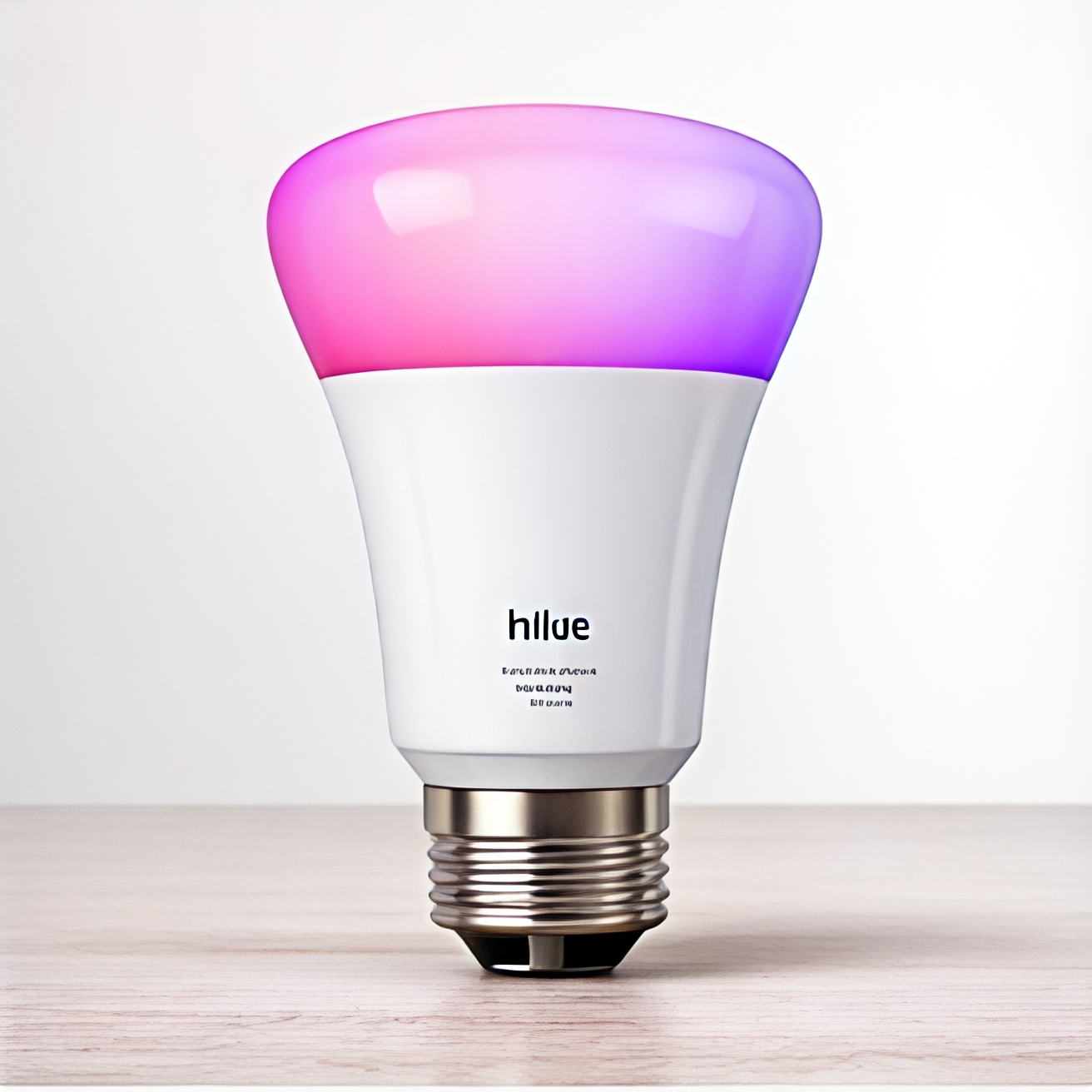
| Smart Lighting | Mood lighting | 16M colors | ; | |
Ring Video Doorbell (2nd Gen) | 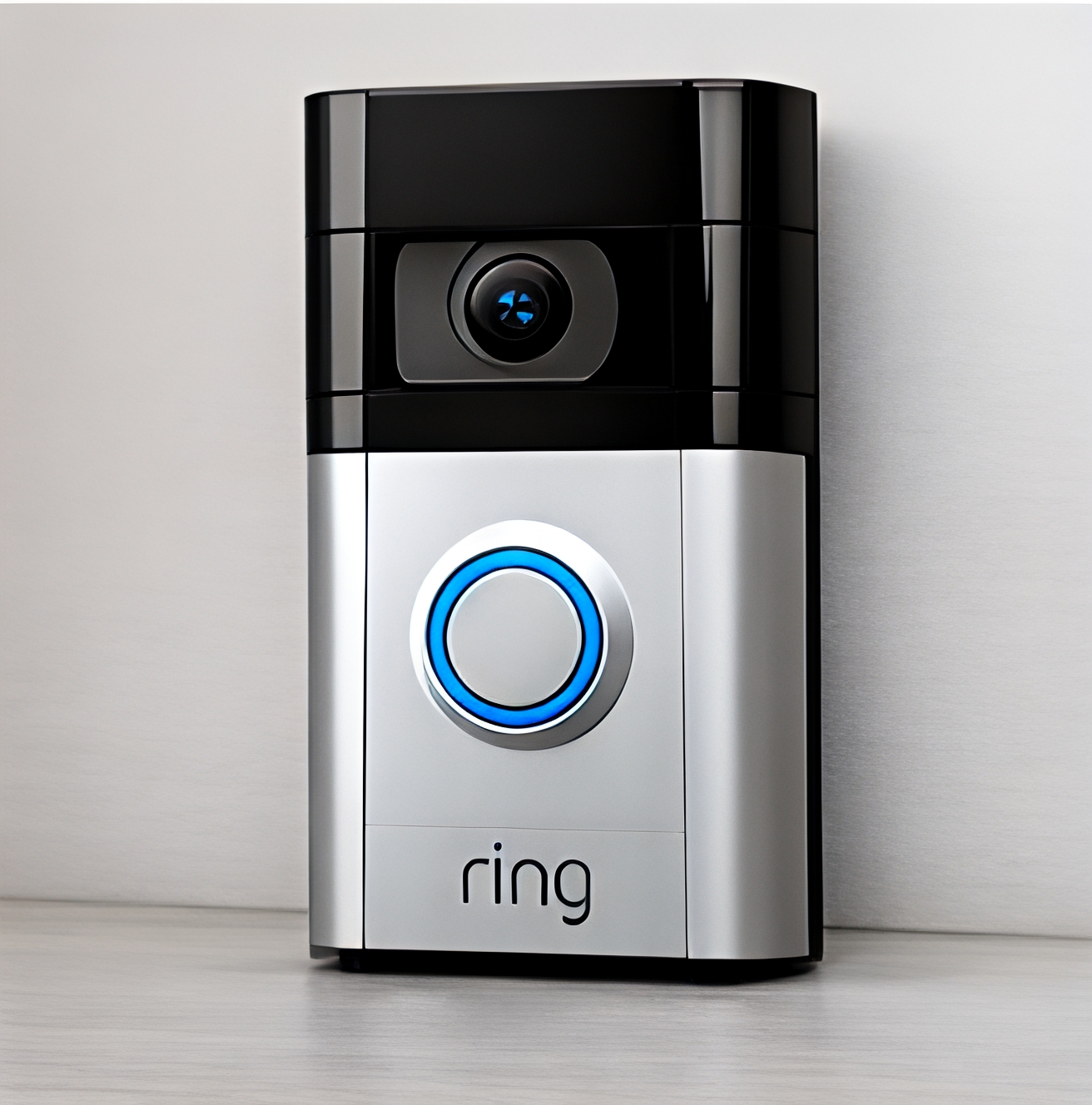
| Security | Entry monitoring | Live video alerts | ; | |
Wyze Cam v3 | 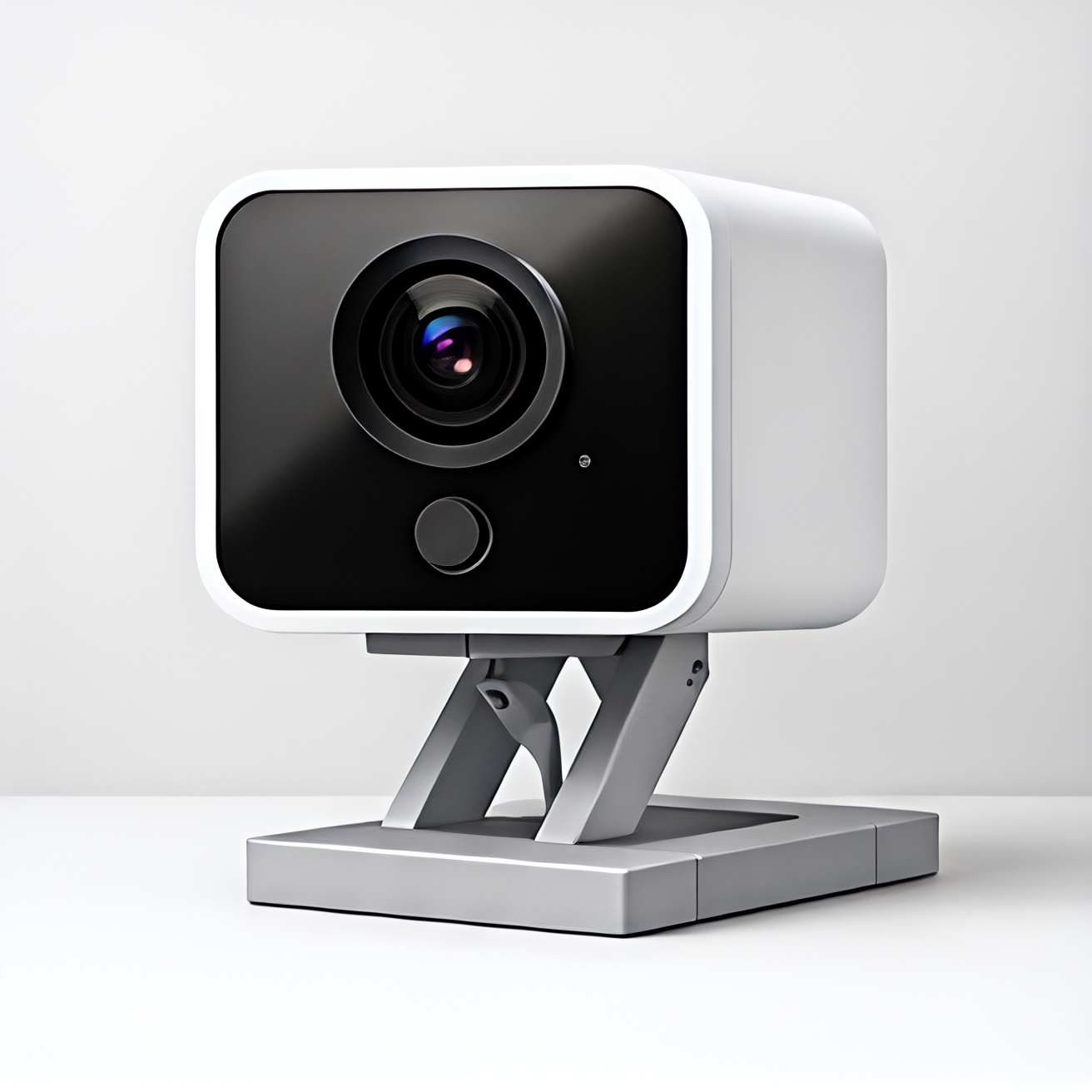
| Security Camera | Budget security | Night vision | ; | |
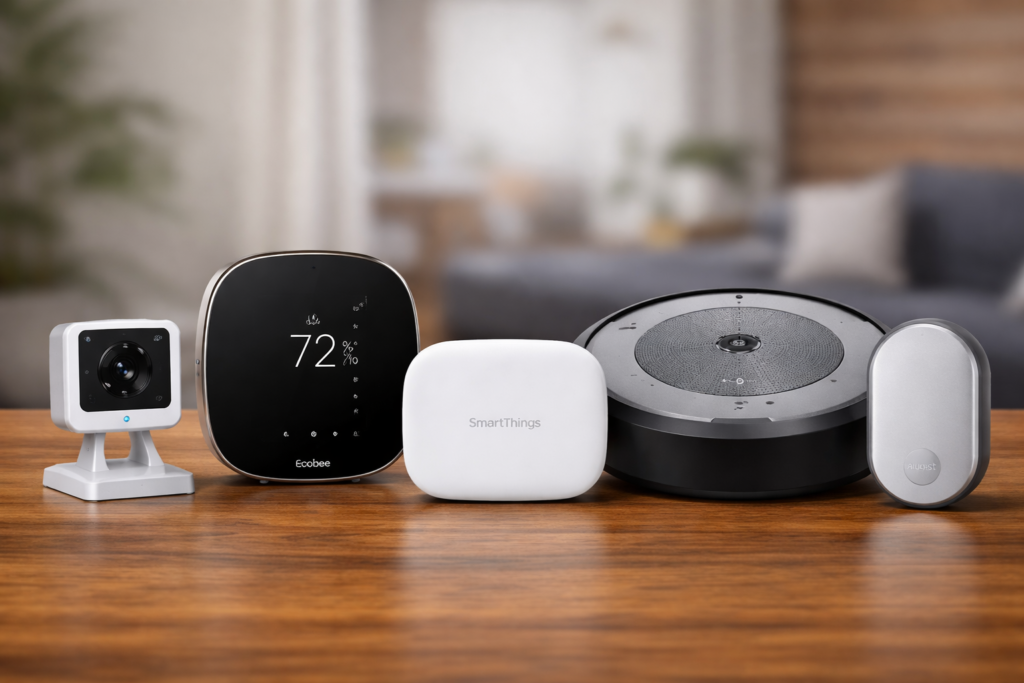
Ecobee Smart Thermostat Premium | 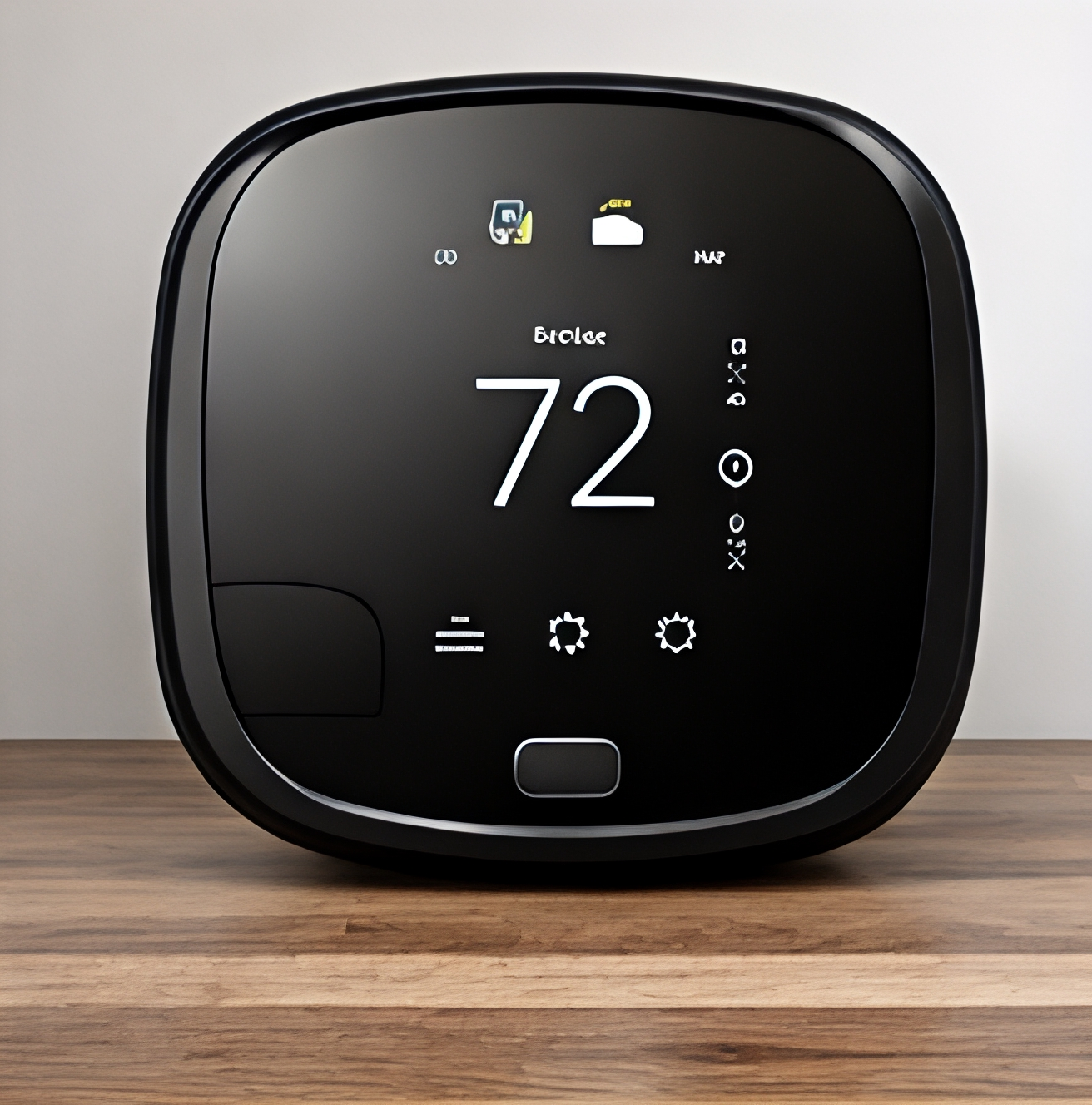
| Climate Control | Energy saving | Smart sensors | ; | |
Samsung SmartThings Hub v3 | 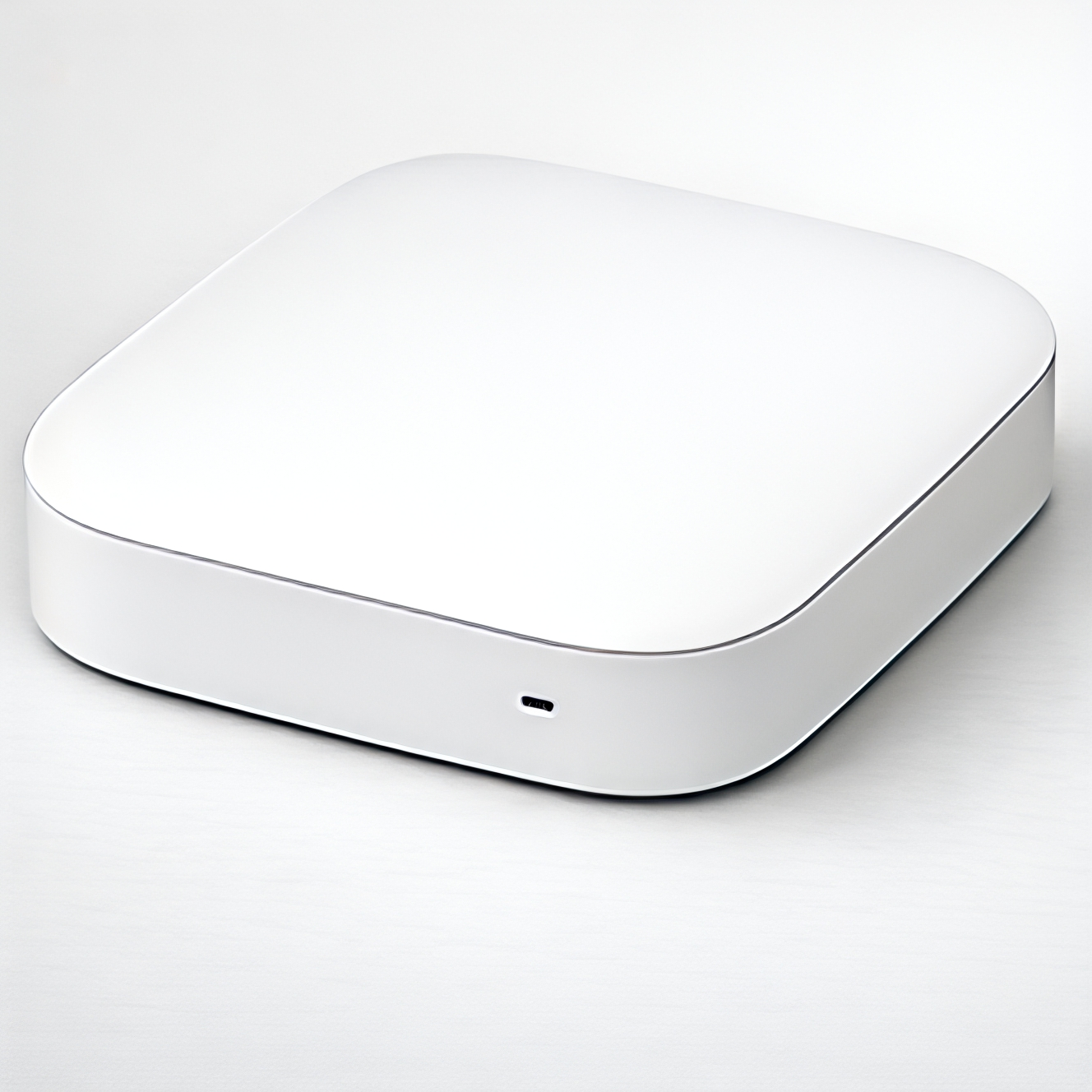
| Smart Hub | Connectivity | Centralized control | ; | |
iRobot Roomba i3 EVO | 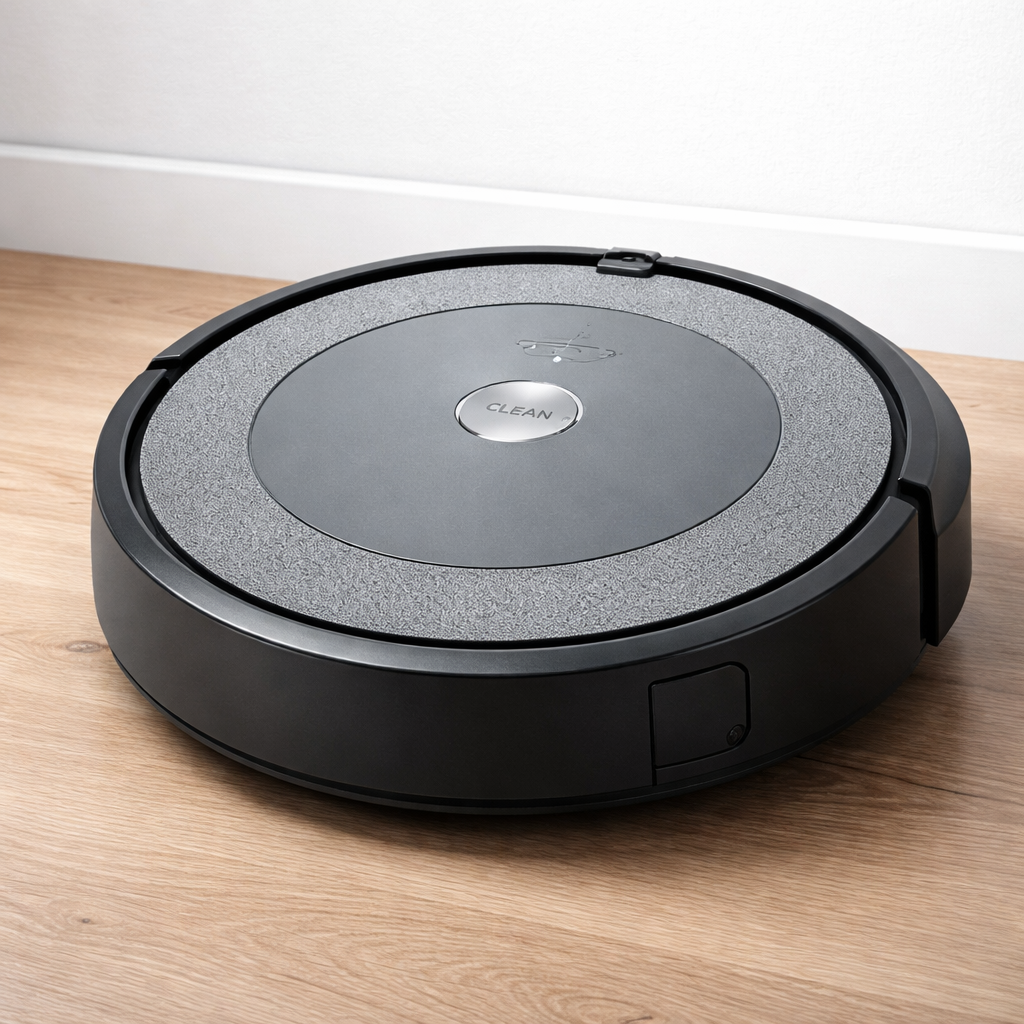
| Smart Vacuum | Cleaning | Scheduled cleaning | ; | |
August Wi-Fi Smart Lock (4th Gen) | 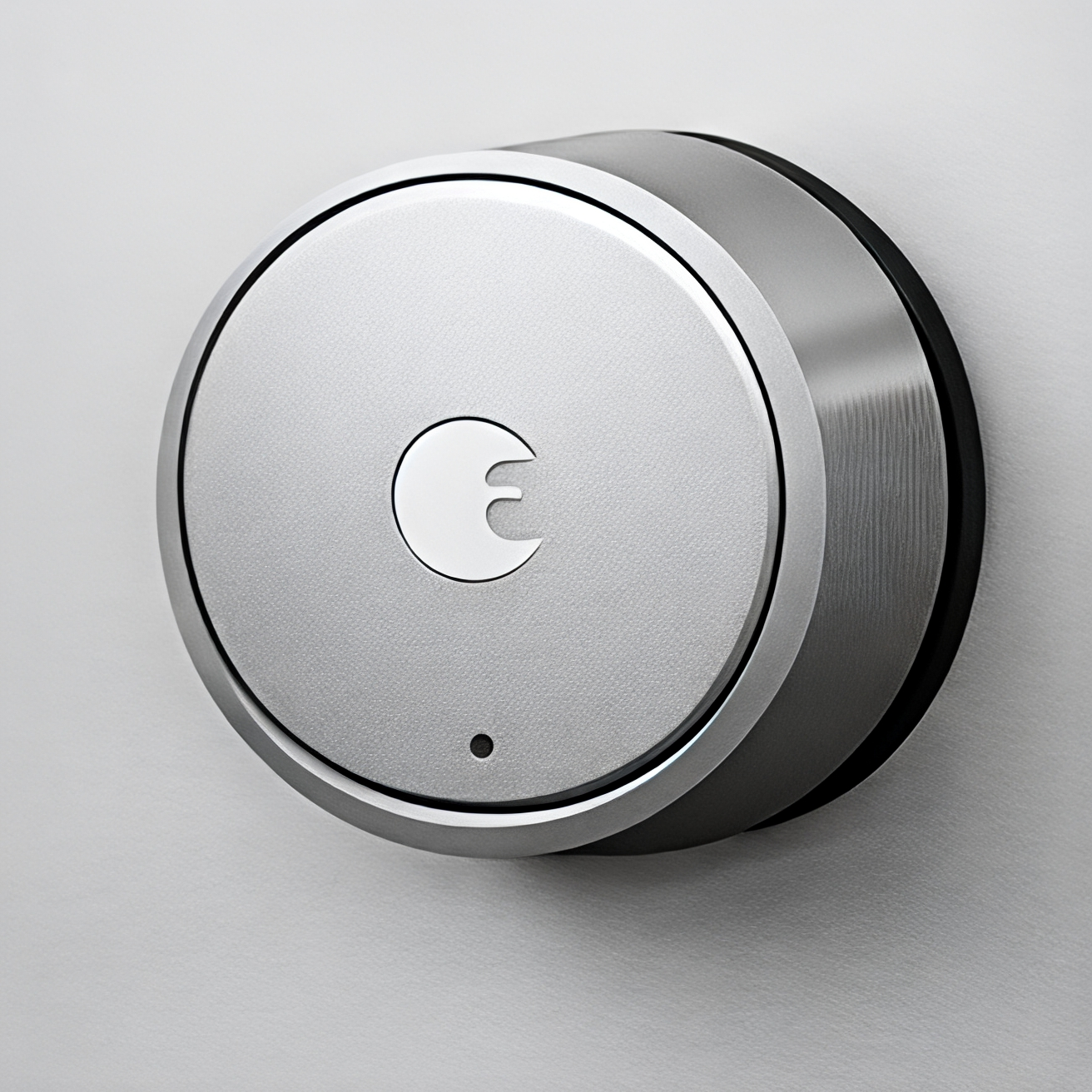
| Smart Security | Keyless entry | App unlocking | ; |
Top Smart Home Devices for Beginners
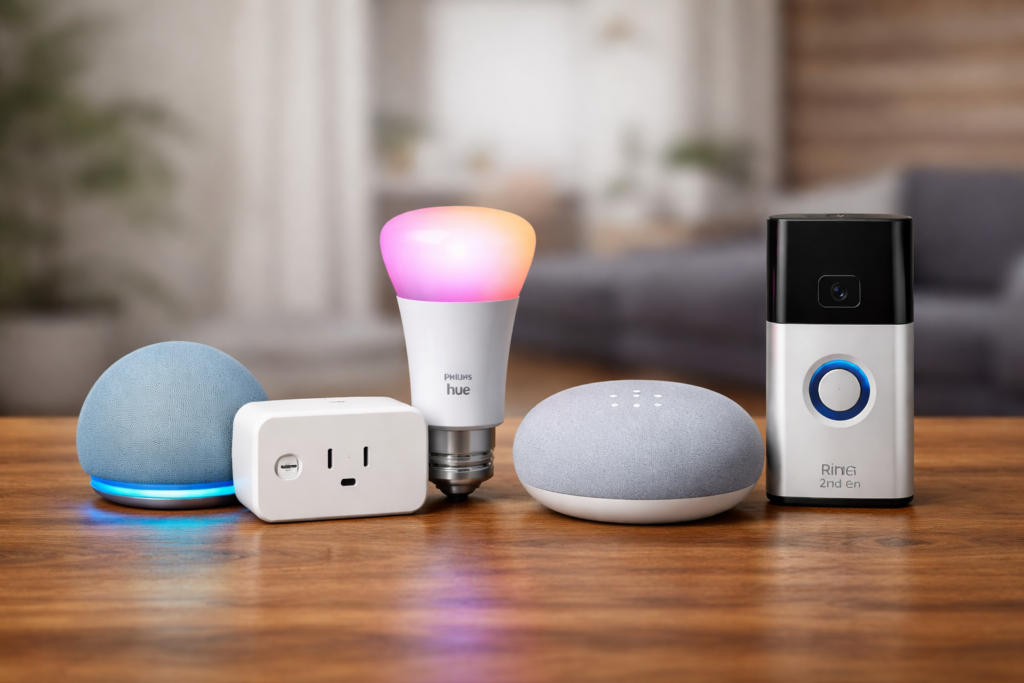
1. Smart Speaker (Alexa / Google)
A smart speaker becomes the voice control center for all your other smart devices. Instead of opening apps on your phone, you just talk to control everything.
Why it’s great:
- Voice control feels natural and convenient
- Controls all your other smart devices
- Plays music, sets timers, answers questions
- Relatively affordable entry point
Best for: People who want hands-free control and don’t mind talking to their devices.
The Amazon Echo Dot and Google Nest Mini are both excellent starter options under $50. I prefer the Echo Dot because it works with more smart home devices, but Google’s speaker understands conversational speech better.
⭐Amazon Echo Dot (5th Gen, 2022 Release)
This one is also good, but the Amazon Echo Dot is great starter gadget for beginners. This small smart speaker with Alexa controls your smart home devices, plays music, sets reminders and answers questions.
🔑Key Features:
• Alexa voice assistant
• Smart home integration
• Compact design
• Good sound quality
Why it’s beloved by beginners: It serves as a central hub, allowing you to control multiple smart devices with ease.
Browse all Amazon Echo devices here.
⭐Google Nest Mini (2nd Gen)
If you are already using Google services, the best option for you will be the Google Nest Mini. It provides accurate voice recognition and integrates easily with Google Calendar, Maps and YouTube.
🔑Key Features:
• Google Assistant support
• Compact and wall-mountable
• Strong voice recognition
• Seamless Google integration
Why beginners love: The best choice if you use Google ecosystem
A smart speaker is the heart of any smart home. If you need to save money, explore the best budget voice activated smart speakers in 2026 to start without overspending. If you’re unsure which voice assistant to choose, check out our detailed Alexa vs Google Assistant comparison guide.
2. Smart Plug (Best for Beginners)
Smart plugs are the perfect starting point for anyone new to home automation. You just plug them into any wall outlet, then plug your regular devices into them.
Why it’s great:
- Easy setup – takes less than 5 minutes
- Automates any device that plugs into the wall
- Costs under $15 for most models
- Works with lamps, fans, coffee makers, and more
Best for: First-time users who want instant results without buying new appliances.
I started my smart home journey with a smart plug controlling my bedside lamp. Being able to turn it off from bed without looking for the switch was a small but meaningful improvement to my daily routine.
Popular options include TP-Link Kasa and Amazon Smart Plug. Both work reliably and have user-friendly apps.
⭐TP-Link Kasa Smart Plug HS103P4
If you want to start using a smart home, the TP-Link Kasa Smart Plug is one of the best and easiest ways to get started. It lets you operate any standard appliance through your smartphone or with your voice.
🔑Key Features:
• Remote control via app
• Works with Alexa & Google
• Energy monitoring
• Easy setup
Why it is useful for beginners: Converts every regular device into a smart device instantly.
Check the latest Google Nest devices for smart home setup.
3. Smart Bulb
Smart bulbs replace your regular light bulbs but give you control over brightness, color, and scheduling. You can dim lights for movie night or set them to gradually brighten as a gentle alarm clock.
Why it’s great:
- Easy installation – just screw it in like a normal bulb
- Change brightness and the color right from your phone
- Set up times and timers for the light
- Can copy how sunrise and sunset look
Best for:People who want more lighting choices and want to set the mood.
Philips Hue bulbs are the gold standard but cost more. For beginners, Sengled or Wyze smart bulbs offer similar features at half the price. Start with one bulb in your most-used room to test how much you like the functionality.
⭐Philips Hue White & Color Ambiance A19 Smart Bulb
Philips Hue Smart Bulb is a smart lighting system It helps you control the color, brightness and on-and-off schedules. You can do this from your phone or you can use a voice assistant.
🔑Key Features:
• Millions of colors
• Voice control support
• Energy-efficient LED
• App-based automation
Why it’s great for a beginner: It makes your home stylish and convenient.
4. Smart Doorbell
Smart doorbells combine a traditional doorbell with a security camera and two-way communication. You can see and talk to visitors even when you’re not home.
Why it’s great:
- See who’s at your door from anywhere
- Talk to delivery drivers remotely
- Records video of all visitors
- Deters package theft
Best for: People who receive frequent deliveries or want to screen visitors without answering the door.
Ring Video Doorbell is the most popular option, though it requires a monthly subscription for video storage. Eufy offers similar features without ongoing fees. Installation usually involves replacing your existing doorbell, which most people can handle with basic tools.
⭐Ring Video Doorbell (2nd Gen)
The Ring Video Doorbell allows you to monitor your front door in real time. You can see, hear and speak to visitors through your smartphone.
🔑Key Features:
• Live video streaming
• Motion alerts
• Two-way audio
• Mobile app control
Why we love it as beginners: Easy to install, enhances home security.
If you’re planning to upgrade your home security system, check out our detailed guide How to Build a Smart Home Security System (Ultimate Guide 2026)
5. Smart Security Camera
Smart cameras let you check on your home from anywhere using your smartphone. Modern versions are much easier to set up than the complicated security systems from a few years ago.
Why it’s great:
- See what’s happening at home while you’re away
- Get alerts when motion is detected
- Two-way audio lets you talk through the camera
- Cloud storage keeps video recordings safe
Best for: Anyone who travels frequently or wants basic home security without monthly fees.
Wyze Cam offers excellent value at around $25, while Ring and Arlo provide more premium features if budget allows. Indoor cameras are easier to set up than outdoor models, so start inside.
⭐Wyze Smart Camera (Cam V3)
Wyze Smart Camera Budget Indoor security camera with motion detection and live streaming
🔑Key Features:
• HD video recording
• Motion detection alerts
• Night vision
• Affordable price
Why it’s best for a beginner: Great security especially at a low price
6. Smart Thermostat
Smart thermostats learn your schedule and adjust temperature automatically. They can save money on energy bills while keeping your home comfortable.
Why it’s great:
- Automatically adjusts based on your schedule
- Control temperature remotely
- Potential energy savings of 10-15%
- Shows detailed usage reports
Best for: Homeowners who want to reduce energy costs and improve comfort.
Google Nest Thermostat and Ecobee are best options, though installation might require professional help if your current thermostat has unusual wiring. Some utility companies offer rebates that make these devices nearly free.
⭐Ecobee Smart Thermostat Premium
Easily adjust temperature in relation to your habits, saving energy with the Ecobee Smart Thermostat.
🔑Key Features:
• Smart temperature control
• Energy-saving features
• App and voice control
• Room sensors
Why it’s great for beginners: Lowers electricity bills and enhances comfort.
If you’re planning to upgrade your home climate control, check out our detailed article on the best smart thermostat in 2026 to find the perfect option as per your needs.
7. Smart Hub
Smart hubs connect different brands of smart devices so they work together smoothly. While not essential for beginners, they become helpful as you add more devices.
Why it’s great:
- Can connects smart devices from different manufacturers
- Makes your local network more stable
- Helps you set up detailed automation tasks
- Makes you less dependence on individual apps
Best for: People who have smart devices and want them to work well together.
Samsung SmartThings and Hubitat are popular choices. Hold off on buying a hub until you have 5+ smart devices, since most beginners can manage everything through individual apps initially.
⭐Samsung Smart Things Hub V3
Smart Things Hub connects many smart devices, and makes it easy to control them all from one app.
🔑Key Features:
• Device integration
• Automation support
• App-based control
• Wide compatibility
Why novice users love it: Makes managing all your smart devices super simple.
Smart Hub Is Being Updated? 6 Proven Fixes That Work Fast (Samsung TV)
8. Smart Vacuum Robot
Smart vacuum robots automate your cleaning routine by vacuuming floors on their own. They can be scheduled, controlled via apps, or even operated using voice assistants like Alexa or Google Assistant.
Why it’s great:
- Cleans your home automatically (no manual effort)
- Can be scheduled for daily cleaning
- Works with voice control (Alexa/Google)
- Saves time, especially for busy users
Best for:
Busy people, pet owners, and beginners who want a hands-free cleaning solution.
⭐iRobot Roomba i3 EVO
iRobot Roomba Automated Floor Cleaning System (at Amazon) The iRobot Roomba is a smart vacuum robot that automatically clean your floor without manual effort.
🔑Key Features:
• Automatic cleaning
• Scheduling feature
• Smart navigation
• Voice control
Why beginners love it: Saves time and effort when it comes to daily cleaning.
If automated cleaning is on your list, the [Roomba i3 EVO robot vacuum] is worth considering when available at a competitive price.
9. Smart Lock
Smart locks replace traditional door locks with keypad, smartphone, or biometric access. No more worrying about losing keys or getting locked out.
Why it’s great:
- Never get locked out again
- Give temporary access to guests or service providers
- See who comes and goes
- Lock or check status remotely
Best for: Homeowners comfortable with slightly more complex installation.
August Wi-Fi Smart Lock and Schlage Encode are reliable options. Installation usually takes 30-60 minutes and requires basic tools. Make sure your door is compatible before purchasing.
⭐August Wi-Fi Smart Lock (4th Gen)
For example, with the August Smart Lock you can control whether your door is locked or unlocked from your phone.
🔑Key Features:
• Keyless entry
• App control
• Auto lock/unlock
• Easy installation
Why new users love it: Gives you security and convenience without replacing your existing lock.
If you’re building your first setup, this guide covers the most important devices you need. –Schlage smart lock review → Lock Review
10. Smart Sensors
Smart sensors detect motion, temperature, humidity, or door/window opening. They’re small devices that trigger other smart home actions.
Why it’s great:
- Automate lights based on room occupancy
- Get alerts when doors or windows open
- Monitor temperature in different rooms
- Battery-powered and easy to place anywhere
Best for: People who want their smart home to respond automatically to what’s happening.
Aqara and SmartThings sensors are popular choices. Motion sensors are most useful for beginners – place one in a hallway to automatically turn lights on when you walk by at night.
Comparison Table
| Device | Best For | Price Range | Setup Difficulty |
|---|---|---|---|
| Smart Plug | Beginners & automation | $10–25 | Very Easy |
| Smart Speaker | Voice control & hub | $30–100 | Easy |
| Smart Bulb | Lighting & ambiance | $10–50 | Easy |
| Security Camera | Home monitoring | $25–200 | Easy |
| Smart Doorbell | Visitor alerts | $100–300 | Medium |
| Smart Thermostat | Energy savings | $100–250 | Medium |
| Smart Hub | Device integration | $50–150 | Medium |
| Smart Lock | Home security & access | $100–300 | Medium |
| Smart Sensors | Automation & alerts | $15–40 | Easy |
| Smart Vacuum Robot | Hands-free cleaning | $150–400 | Easy |
“💡 Beginner Tip: Start with a smart plug and smart speaker for the easiest and most affordable smart home setup.”Pros and Cons of Budget Smart Home Devices for Beginners
Cheap smart home gadgets are an excellent way to kick-off your automation journey without breaking the bank. But, like all technology, there are positives and negatives.
✅ Pros
• Affordable Entry Point
Most entry level smart devices such as smart plugs, smart bulbs, and smart speakers are affordable to buy at under 100$.
• Easy Installation
These devices are intended for novices and typically do not require any technical skills or professional installation.
•Voice Assistant Support
Most budget devices work well with Alex and Google Assistant for hands-free control.
• Smart Home Convenience
Automation for daily actions such as when lights should be turned on, how appliances work, or other day-to-day functions.
• Expandable System
You can begin with one device and add more at your own pace to create a full smart home.
❌ Cons
• Limited Advanced Features
Budget devices might miss out on premium features such as advanced automation or high-end sensors.
• Build Quality May Vary
Cheaper devices will not last as long as those in the premium range.
• Ecosystem Limitations
Some devices only work with some platforms (Alexa, Google, Apple).
• Dependence on Internet
Smart device requires stable Wi-Fi for functioning.
• Privacy Concerns
Devices with cameras or microphones can be a privacy risk if they are not secured.
👉TIP: Entry-level smart home devices are well-suited for beginners. Do it on small scales, experiment for what fits your life best and scale up when you need
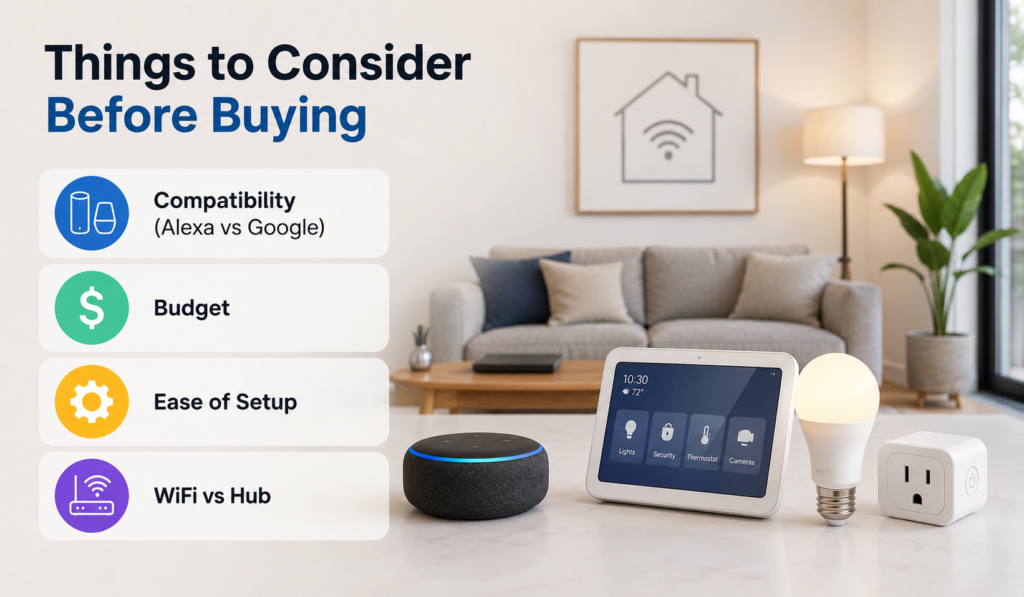
Things to Consider Before Buying
⚙️Compatibility (Alexa vs Google)
Most smart devices work with either Amazon Alexa or Google Assistant. Pick one ecosystem and stick with it. I learned this the hard way when I bought an Alexa speaker but then got smart lights that worked better with Google.
Amazon Alexa has a lot of device options, while Google Assistant is really good at answering your questions and understands how people normally talk
💰Budget
One mistake beginners make is trying to build a complete smart home immediately.
You really don’t need to spend hundreds of dollars at the start. A simple smart plug or smart bulb is enough to understand how smart home automation works in real life.
For most beginners, a budget of around $50–$100 is more than enough for a solid starter setup.
🛠️Ease of Setup
Look for devices that say “plug and play” or “5-minute setup.” Avoid anything that requires rewiring or professional installation for your first purchases. Save the complicated stuff for later when you’re more comfortable.
🆚WiFi vs Hub
WiFi devices connect directly to your internet router. Hub-based devices need a separate control box. Start with WiFi devices since they’re simpler to set up and don’t require extra hardware.
Getting Started
If you’re completely new to smart home devices, the easiest starting point is usually a smart plug and a smart speaker.
This setup is affordable, simple to install, and gives you a quick idea of how voice control and automation work in everyday life. Even basic routines—like turning on a lamp with your voice or scheduling devices to switch off automatically—can make your home feel noticeably more convenient.
One mistake many beginners make is trying to automate everything immediately. That usually leads to unnecessary spending and setup frustration.
Instead, start with:
- one room
- one daily routine
- or one problem you want to simplify
For example:
- automating bedroom lights
- controlling a coffee machine
- or using voice commands in the kitchen
Once you get comfortable with a few devices, expanding your setup becomes much easier.
The smart home market changes quickly, but starting with simple, widely compatible devices gives you a strong foundation for future upgrades.
❓FAQs
1. What is the best smart home device for beginners?
A smart plug and smart speaker would be some of the most accessible smart devices for beginners to begin with. Both gadgets are reasonably priced, relatively simple to install, and are good choices for introducing someone to smart home technology. Smart speaker and smart plug combinations tend to be ideal for beginners.
2. Do smart home devices require Wi-Fi?
Yes, Wi-Fi is required for almost all smart devices to function effectively. Internet connectivity will enable you to remotely control and operate gadgets through applications on your phone and even with voice control and automated systems.
3. Are smart home devices safe to use?
The usage of smart home devices is safe if you purchase products from reputable vendors and always keep your devices up to date. Setting complex passwords and using two-factor authentication will make your system even more secure.
4. Can I control smart home devices with my voice?
Yes, almost any smart home device supports voice control using voice assistants like Amazon Alexa, Google Assistant, or Apple Siri. Voice command lets you control lights, outlets, thermostats, smart speakers, and many other devices.
5. How much does it cost to start a smart home?
Starting your smart home requires minimum investment – around $20-$50. A smart plug and/or a smart light bulb are good places to start, and the most cost-effective beginning combination of two devices is a smart speaker plus a smart plug ($100).
🔗Related Articles
- Best Smart Plugs 2026: Complete Buying Guide
- What Is a Smart Hub? Complete Guide for Beginners (2026)
- 9 Best Smart Bulbs in 2026 (USA Guide) – Top Smart Lights
- Smart Home Setup Under 200$ (2026 Budget Guide): Build a Smarter Home for Less
- Smart Home Devices That Save Money (2026 Guide)
- What Is Matter in Smart Homes? Complete Beginner’s Guide (2026)
🚀Conclusion
In 2026, smart home devices have never been easier to use or more affordable. You will not need a cost or cumbersome setup to experience the tranquility of home automation.
Home automation can be as simple as adding voice control, automatic and remotely operated functions to devices in your home such simple equipment like smart speakers, smart plugs or smart lighting systems.
If you are new, prioritize a few practical devices and avoid automation overload. The easiest and most economical entry point is a smart speaker in tandem with either a smart plug or smart bulb.
After you are comfortable with the basics, you can eventually add some simple cameras, thermostats or sensors and any other smart home equipment according to your needs.
A smart home set up is the best, as long as it helps you in making your day-to-day functioning easier — not challenging!
Pingback: Smart Home Security Devices: Complete Guide for Beginners (2026)
Pingback: Smart Lighting System USA: Complete 2026 Buyer’s Guide
Pingback: Best Smart Thermostat 2026 (Complete Buyer's Guide)
Pingback: Smart Hub Is Being Updated? 6 Proven Fixes That Work Fast (Samsung TV)
Pingback: How to Build a Smart Home Security System (Ultimate Guide 2026)
Pingback: Schlage Smart Lock Review 2026: Is It Worth Buying?
Pingback: Best Smart Plugs of 2026 (Alexa, Google Home & Budget Picks)
Pingback: Amazon Alexa Not Responding? 12 Proven Fixes That Work Instantly (2026 Guide for Echo Dot & Echo Show)
Pingback: How to Set Up Smart Lighting at Home (Step-by-Step Guide 2026)