
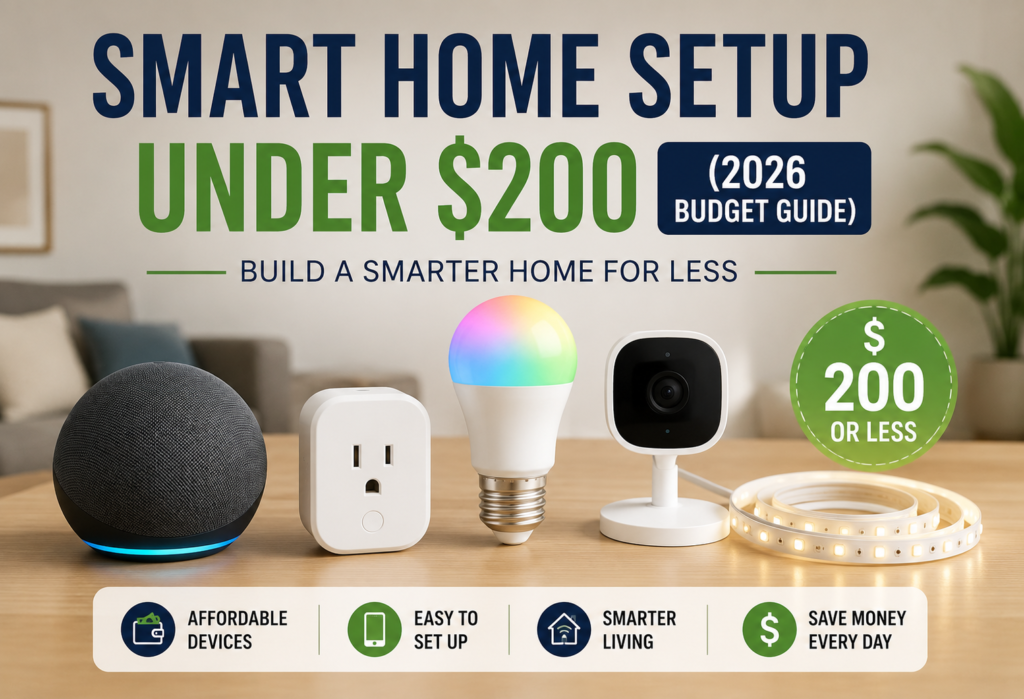
Smart houses have always been perceived as belonging only to expensive houses where people can afford costly installations. However, it is no longer a dream because cheap smart speakers, smart plugs, smart bulbs, and various other security gadgets can help to equip your house without spending much money.
There are many combinations of affordable equipment that can be installed in the house for less than $200. For example, some systems may include voice control, automatic lighting, energy tracking, and even some basic security features.
One of the largest misconceptions surrounding smart homes is that such technology is exclusive to technophiles who have access to unlimited finances. The manufacturers have made great efforts to create an affordable technology that anyone can afford. You can already purchase smart outlets for less than $10, voice assistants for $30, and smart lights which are cheaper than your usual meal.
By investing merely $200, you can construct your own smart home that manages your lighting, keeps track of your energy consumption, provides you with basic security features, and performs other routine operations. This article will provide you with information on the best options to choose based on your budget.
Table of Contents
Can You Really Build a Smart Home Setup Under 200$?
How Smart Home Technology Became Affordable
There have been many changes in the world of smart homes in recent years. At the time of the release of the very first Amazon Echo, a year before Google Home came to the market in 2014, the price was as high as $179 for the voice assistant alone. Now an Echo Dot device can be purchased for only $30 on sale. The prices of production went down, the competition rose, and the vendors started making profits from providing services.
Chinese manufacturers such as Wyze and Govee are now offering smart home gadgets with 80% of the features and with 30% of the price compared to those created by other brands. I used many different budget gadgets, and even though they may not contain expensive materials in comparison with others, their functionality is equal.
Moreover, the era of smartphones allowed for lowering the price even more, because a person who wants a smart gadget always has a computer with him/her.
What a $200 Budget Can Achieve
A $200 smart home budget can cover four main areas:
- Control by voice using a smart speaker or display
- Automation of the lights in 2-3 rooms
- Using smart plugs to control appliances
- A basic security system using a smart camera or sensor
These kinds of automation can include setting commands like “switch off all lights once I tell you ‘goodnight'” or “run the coffee maker once my alarm rings.” You could also get lights that automatically switch themselves off during dusk, and keep an eye on what’s happening at your place even while away from home.
People have done amazing things like automating their entire living room, bedroom, and kitchen with this budget, but it’s about selecting devices which work in sync with each other.
Setting Realistic Expectations
The smart home package with $200 worth will not be equivalent to an entire automation system in the house. With $200 worth, you cannot get things such as smart locks, a whole-home audio system, or complex security systems with several cameras.
However, one doesn’t necessarily have to get all these at once since they might be too expensive for now. The basic things, such as being able to turn lights on and off through voice commands, automated daily tasks, and surveillance, should be enough for any smart home.
Just think of it as your foundation. More gadgets can always be bought later on, while your current automation process would continue functioning.
What Every Budget Smart Home Needs
Smart Home Hub or Voice Assistant
Every smart home requires a centralized control center. Typically, this would be a voice assistant like Amazon Echo and Google Home, which is the hub itself, as well as the user interface. I would suggest that you start using Amazon Echo devices since these have support for the most diverse and inexpensive smart home devices.
This hub allows controlling all your connected devices by issuing voice commands. That means that you do not need to switch on/off your devices manually but just speak the command out loud – “switch off living room lights” or “bedroom lights set to 20%.”
Smart Lighting
Most people will probably be most interested in smart lights when it comes to their smart homes. You know the feeling of magic as soon as you realize that you can control light intensity or even change their color just by speaking. Plus, there are additional features, such as setting up timers for turning them off or on or making them switch gradually.
Don’t think you have to equip your entire home with smart lights immediately – begin with your bedroom and the area where you spend your free time. Two or three smart bulbs should do the trick.
Smart Plugs
The idea of smart plugs may sound a bit dull in comparison with the color-changing lamps, but in reality, they are very handy. Any gadget that gets plugged in turns into a smart gadget which can be controlled via voice, scheduled, and monitored.
My coffee machine, lamp on my desk, mobile phone charger, and heater are plugged into smart plugs. It is amazing that with the help of smart plugs, the coffee starts brewing right after an alarm clock rings.
Basic Home Security
An advanced security system is not necessary for you to feel secure in your home. Simply installing one smart camera in the common area or near your entrance is sufficient to provide you with peace of mind when you are away. Today’s affordable smart cameras can notify your smartphone whenever they spot movement, allowing you to monitor their live streaming.
Moreover, smart cameras can assist you in routine tasks such as verifying whether you have closed the garage door or when your package arrives.
Automation Features
But true strength lies in automation, meaning that devices operate automatically, without any need for instructions from you. Some simple cases of automations include “Turn all lights off at midnight” and “Turn on the porch light when the sun sets.”
Automation occurs via the app in which the voice assistant runs. It is easier than it seems at first glance since you can easily create different routines, which depend on time, voice instructions, and the state of other devices.
A voice assistant acts as the control center of a budget smart home. Devices compatible with Amazon Alexa or Google Home allow you to control lights, plugs, and routines using simple voice commands.
Best Smart Home Devices Under $200
Amazon Echo Dot (5th Gen)
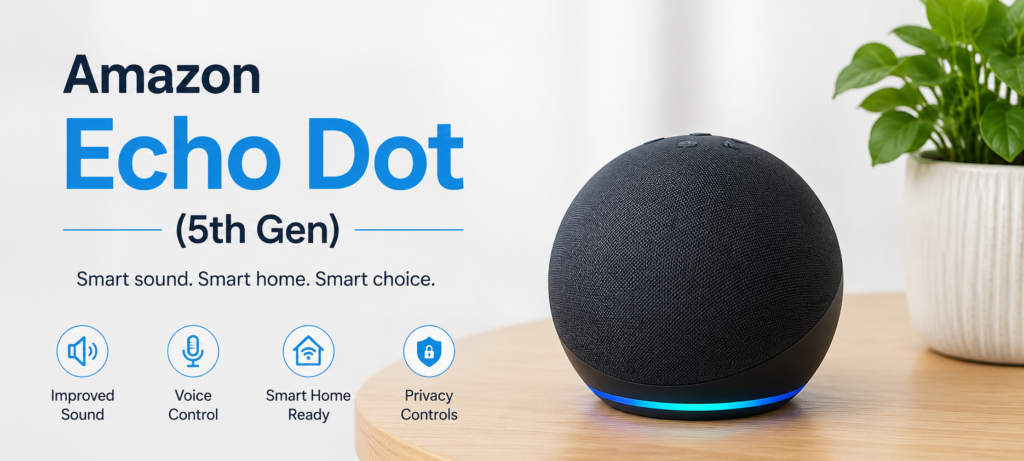
The Echo Dot is the ideal hub for anyone starting their journey into building a smart home system. At about $30-40, it provides you with everything that Amazon’s Alexa ecosystem can offer. With its 5th generation, it boasts improved sound quality, quicker responses and a temperature sensor to trigger your automated actions.
The best thing about the Echo Dot is how compatible it is with other smart home devices. In fact, almost all cheap smart home devices support Alexa integration, thus ensuring that there will be no compatibility problems.
Features offered by Alexa automation include voice commands for creating routines, setting timers based on time or sunrise and sunset. Devices can also be grouped together and even controlled via custom commands such as “movie time.”
TP-Link Tapo P110 Smart Plug
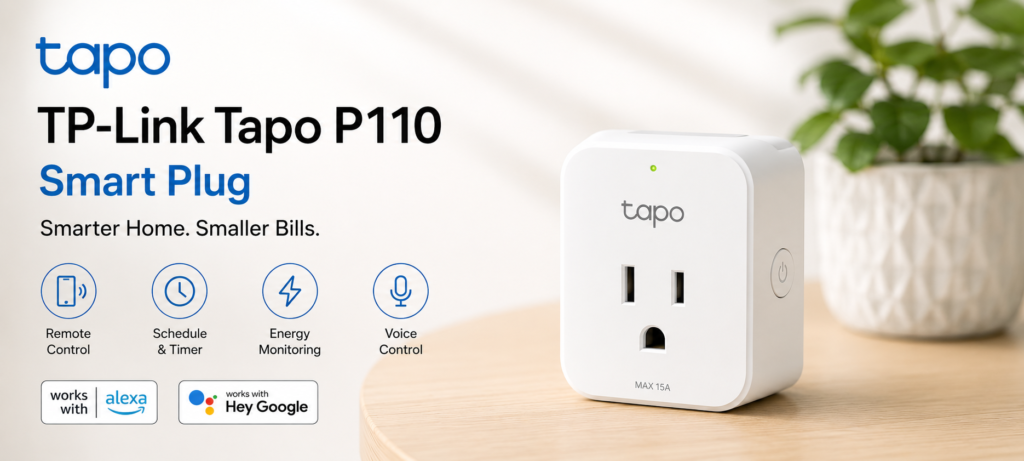
What makes Tapo P110 unique is the ability to track energy usage, something that is not available in most inexpensive smart plugs. For the cost of about $12-$15, you can precisely measure how many watts are consumed by any device plugged into the outlet.
My coffee maker and desk light go through those plugs because I have set up automated schedules for them. Energy tracking revealed that my desktop computer was consuming $30 worth of power each month simply being in stand-by mode. As a result, it turns itself off when not needed.
The TP-Link Tapo P110 remains one of the most affordable smart plugs with energy monitoring. You can learn more about its features on the TP-Link Tapo Official Site.
Kasa Smart Plug Mini
For people who do not require energy monitoring, Kasa Smart Plug Mini provides excellent value, retailing for about $8-$10 each. Unlike other plugs, Kasa Smart Plugs do not obstruct both outlets and they support Amazon’s Alexa, Google Assistant, and Apple HomeKit.
I personally use one plug near my bedside table for my phone charger and my lamp. The ability to ask my smart home assistant device to turn off my bedroom light without needing to get out of bed is rather convenient. It is also an easy way to control festive decorations like Christmas lights.
Philips Hue Smart Bulb Starter Option
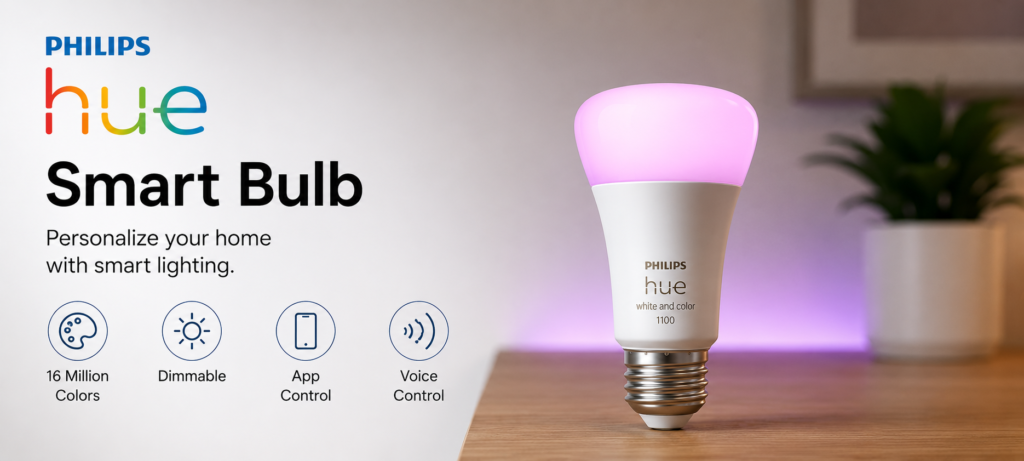
Philips Hue bulbs are premium smart lights, but you can often find single color bulbs or starter packs on sale for around $15-25. These bulbs offer the best app experience and most reliable performance in smart lighting.
A single Hue bulb in your bedroom or living room lamp provides smooth dimming, scheduling, and integration with your voice assistant. The Philips Hue app lets you create lighting scenes for different activities, like reading, relaxing, or working.
Smart bulbs are an easy way to automate lighting schedules and reduce energy waste. The Philips Hue Official Site provides information on compatible bulbs and smart lighting ecosystems.
Wyze Cam v4
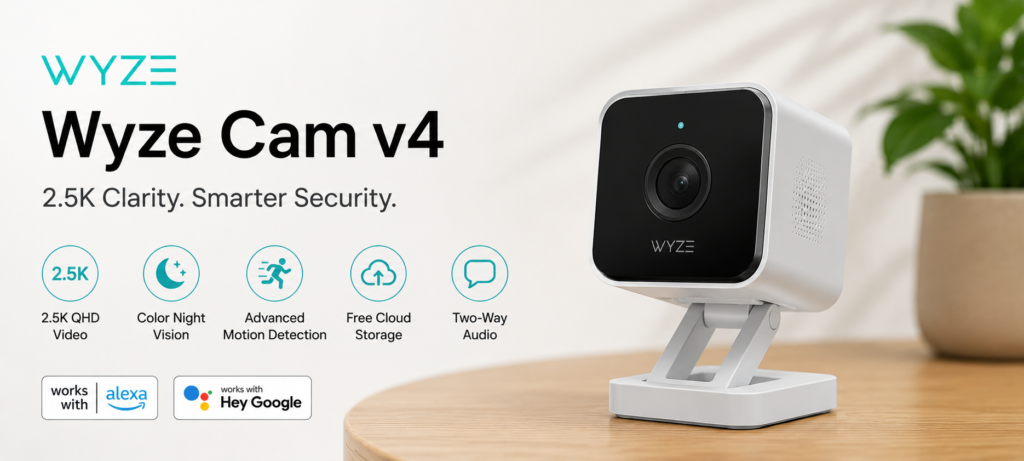
The Wyze Cam v4 will provide great smart home security for under $25-30. It has 2.5K recording capabilities, integrates with Alexa to show video footage from your device’s Echo Show, and sends you notifications on any motion. Its night vision and two-way audio allow you to communicate with anyone nearby.
You should install it in your living space where you can observe your entry point and possessions. The cloud storage is free and offers you access to 12-second clips recorded over 14 days.
Budget-friendly indoor security cameras such as those from Wyze Official Site offer motion alerts, live viewing, and smart home integration at a low cost.
Govee Smart LED Light Strip
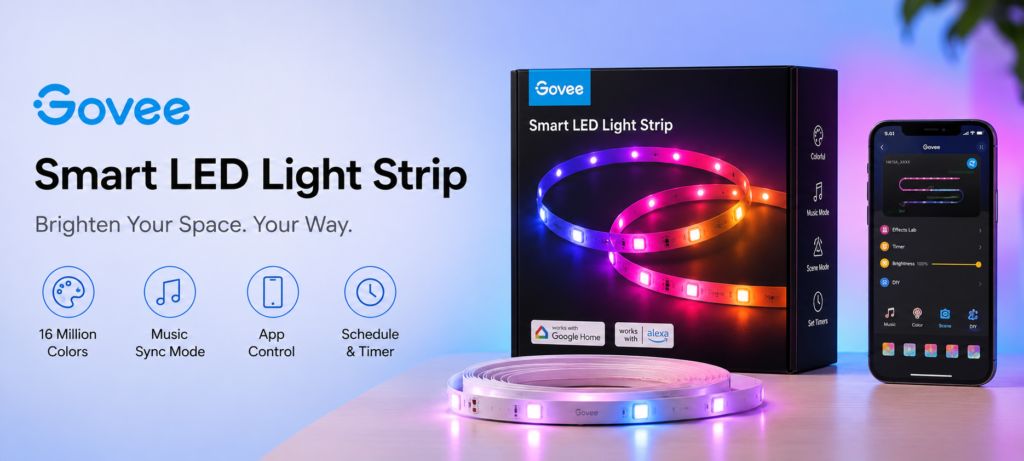
LED strips will definitely add some flair to any space. The smart LED strips by Govee range from about $15 to $25, have color-changing options, can be used for syncing to music, and can be controlled via app. Great behind your TV, in your kitchen cabinets, or around your bedroom ceiling!
The strip connects to your network, is voice-activated through Alexa, and will turn on automatically in the evening with dim red light to ease you into relaxation mode, or it will light up various colors depending on the notification received.
Complete Smart Home Setup Under $200 (Recommended Build)
Option 1 – Smart Home Starter Kit ($100–120)
This basic setup gives you the core smart home experience:
- Amazon Echo Dot 5th Gen ($35)
- TP-Link Tapo P110 Smart Plug ($12)
- Philips Hue Color Bulb ($25)
- Kasa Smart Plug Mini 2-pack ($16)
- Govee LED Light Strip ($15)
Total: $103
With this setup, you can control the lights using voice commands, use smart plugs for automation, and have ambient lighting via the LED strip. The energy monitoring smart plug can keep track of your savings, whereas the regular smart plugs will be used to operate coffee machines, lamps, and charging devices.
Option 2 – Balanced Smart Home Setup ($150–180)
Building on the starter kit with more coverage:
- Amazon Echo Dot 5th Gen ($35)
- TP-Link Tapo P110 Smart Plugs x2 ($24)
- Philips Hue Color Bulbs x2 ($45)
- Kasa Smart Plug Mini 4-pack ($28)
- Govee LED Light Strip 32ft ($20)
Total: $152
Such a combination will provide you with smart lighting for two rooms primarily, energy monitoring for appliances, and sufficient smart plugs to control different devices. You may use the longer LED strip in case you need to illuminate bigger rooms.
Option 3 – Full Smart Home Setup ($190–200)
The complete budget smart home experience:
- Amazon Echo Dot 5th Gen ($35)
- TP-Link Tapo P110 Smart Plugs x2 ($24)
- Philips Hue Starter Kit (3 bulbs + bridge) ($75)
- Wyze Cam v4 ($28)
- Govee LED Light Strip ($15)
- Kasa Smart Plug Mini 2-pack ($16)
Total: $193
This combination provides security in your house by installing a Wyze camera, along with a Hue Bridge for controlling lights using automation. You can install three smart bulbs to light up your bedroom, living room, or kitchen.
Room-by-Room Smart Home Setup on a Budget
Smart Bedroom Under $50
Your bedroom is the perfect place to start with smart home technology:
- Kasa Smart Plug Mini for bedside lamp ($8)
- Philips Hue Color Bulb for main light ($25)
- Govee LED Strip for behind headboard ($15)
This arrangement will allow you to design an ideal nighttime schedule for yourself. You may program your main lighting system to fade out over 30 minutes, set your LED strip to give you gentle ambiance lighting, and shut off your bedside lamp using voice commands.
Smart Living Room Under $75
The living room benefits from multiple types of smart devices:
- Amazon Echo Dot as central hub ($35)
- Smart plug for TV/entertainment center ($8)
- Govee LED Strip behind TV ($20)
- Smart bulb for main room light ($25)
The voice controls make the living room extremely convenient. For instance, saying “movie time” will cause the lights to go down and the television to switch on, while saying “party mode” means the lighting is set to colors using LED lighting. The smart plug makes it possible to switch off entertainment appliances.
Smart Kitchen Under $30
Kitchen smart home features focus on convenience and energy savings:
- TP-Link Tapo P110 for coffee maker ($12)
- Smart plug for slow cooker or microwave ($8)
- Smart bulb for main kitchen light ($25)
The automation of the process of making coffee is revolutionary for a lot of people. Set it to automatically turn on 10 minutes before your alarm clock goes off, or control it by giving voice commands for that extra cup of coffee.
Smart Home Office Under $40
A smart office improves productivity and comfort:
- Smart plug with energy monitoring for computer ($12)
- Govee LED Strip for desk backlighting ($15)
- Smart bulb for desk lamp ($25)
Create routines for turning off your work station when work finishes, and switching everything off when the day ends. The LED lighting strips minimize eyestrain from working at computers all day.
Smart Home Automations You Can Create for Free
Morning Routine Automation
Create a “Good Morning” routine that triggers when you say the phrase or at a specific time:
- Gradually brighten bedroom lights over 10 minutes
- Start the coffee maker
- Turn on kitchen lights
- Provide weather and traffic updates
The automated feature has made the morning routines easier and will help in waking up naturally. You can even design one according to whether you are on a weekday or weekend.
Night Mode Routine
A “Goodnight” routine prepares your home for sleep:
- Turn off all lights except bedroom
- Set bedroom lights to dim red
- Turn off all smart plugs except essential devices
- Activate camera motion alerts
The presence of red light at bedtime ensures that your sleep pattern remains undisturbed. Switching off other unused devices can conserve energy. Motion alarms will ensure your security during sleep.
Away From Home Automation
When you leave home, automation can secure and optimize your house:
- Turn off all non-essential devices
- Set lights to random schedule to simulate occupancy
- Activate camera motion detection
- Adjust any connected thermostat
Coming home automation can reverse these settings, turning on lights and disabling security features when you arrive.
Energy-Saving Automations
Reduce electricity usage with smart scheduling:
- Turn off devices during peak rate hours
- Automatically shut down computers and entertainment systems at night
- Schedule LED strips and accent lighting to turn off when not needed
- Monitor energy usage patterns to identify waste
These automations can reduce your electricity bill by 10-20% without affecting your daily routine.
How Much Money Can a Budget Smart Home Save?
Smart Plug Energy Monitoring
Energy monitoring via smart plugs saves money from invisible expenses. Most homes waste between $50-$100 a year through their electronics’ standby power consumption. Smart plugs can save up to almost all this waste because they shut down the power consumption completely when not needed.
I found out that I am wasting $45 of electricity annually through my cable box even though it was doing nothing. I plugged it into the smart outlet that turned it off automatically, making itself back in a little over three months.
Smart Lighting Savings
Smart LED light bulbs consume 75% to 80% less energy when compared to standard incandescent light bulbs. Although normal LED light bulbs consume less energy, smart light bulbs enable automation, making it impossible to leave unnecessary lights on.
The benefits of scheduled and motion-controlled lighting will result in more electricity savings from lighting, between 20% to 30%, which will cost the average household anywhere from $30 to $50 per year.
Reduced Standby Power Usage
Automated smart technology will assist in minimizing the problem of vampire electricity consumption, which occurs from devices that use electricity even if they are turned off. Typically, each household has between 20 to 40 appliances using standby electricity, and costs incurred each year range between $100-$200.
Smart plugs have been known to save 70-80 percent of such energy consumption because they completely switch off any device when it is not needed.
Long-Term Cost Benefits
Apart from saving on energy expenses, using smart home devices will help you to prolong the lifespan of the devices through decreased use of energy. This is achieved through automated lighting, which reduces frequent changing of bulbs and power control.
There might also be benefits when it comes to home insurance. There are companies that give a discount of between 5%-10%, which could lead to savings of about $50-100 per year.
Common Mistakes When Building a Budget Smart Home
Buying Too Many Devices at Once
In my opinion, the biggest pitfall most people fall into is getting many intelligent gadgets and installing them at once. It creates frustrations, complications, and ends with many unused devices stored away in boxes.
Begin with just two or three gadgets that cater to your main complaints. It will help you become familiar with using them before moving on to more. It will also allow you to discover which features are really necessary.
Ignoring Compatibility
All smart home devices do not necessarily connect with each other. Some of them are compatible only with particular voice assistants while others may be compatible only through standalone apps which might not integrate perfectly with the voice assistants. Always ensure that the device is compatible with the voice assistant you have chosen (Alexa, Google, or Apple).
I would advise starting with one voice assistant at first. If you want more affordability, go with Alexa; if you own an Android phone, then try out Google Assistant.
Choosing Cheap Unknown Brands
Although budget gadgets provide excellent value for money, some very cheap gadgets can be unreliable and insecure. Untrusted brand names may fail to get software upgrades, may have flaws in their security measures, and may only work for a few months.
Always use trusted budget gadgets such as those by Wyze, Govee, TP-Link, and even Amazon. Such brands are known for their support and security updates.
Skipping Automation Setup
Individuals purchase many devices, but they do not integrate them with automation because they fail to see the value in living in a smart house.
It is important to spend time designing routines and schedules according to your lifestyle. You want to create an environment where your smart house will anticipate your needs.
Budget Smart Home vs Premium Smart Home
Key Differences
Expensive smart homes generally use professional installation services, better materials, and more advanced automation features. Cheaper smart homes compromise on some aspects like construction and advanced functions to achieve 80% of their functionality at 20% of their price.
More expensive devices could come with smart switches rather than smart bulbs, professionally installed sensors, and compatibility with other home security systems. Cheaper products will emphasize portability and ease of installation without professional help.
Features You Won’t Miss
However, these advanced features are not required to make the lives of homeowners convenient and easier. Audio systems, automatic window shades, and smart mirrors are fascinating additions but do not add much to the quality of one’s life.
The advanced security systems such as door sensors and window sensors offer additional security, although a smart camera is enough to address the basic security requirements.
When to Upgrade Later
Think about replacing individual parts when something fails or when there are problems with your existing system. If you have noticed that you keep changing your lights around during the day, you may consider getting smart switches rather than smart lights.
If you want to make major improvements to your home such as moving into a new one or making renovations, it is the right time to purchase premium features like smart locks, professional alarms, or entire home automation systems.
Best Smart Home Upgrades After the First $200
Smart Doorbells
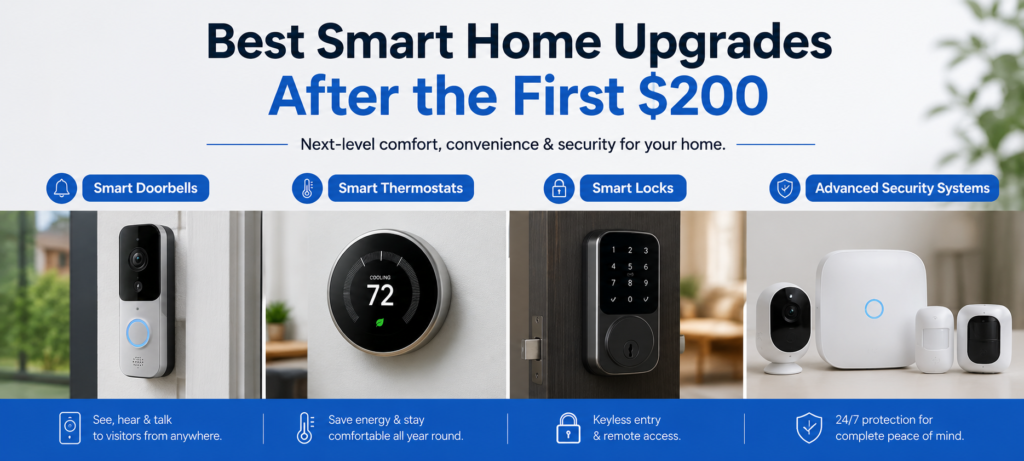
A smart doorbell such as Ring and Nest ensures security, convenience, and package tracking. Given that this item costs around $100-150, it is sensible to get it after setting up your basic smart home structure.
Smart doorbells allow you to communicate with your visitors through visual communication, track any package deliveries, and prevent any thefts from happening.
Smart Thermostats
Smart thermostats can help you save money through energy efficient heating and cooling. Although these devices cost around $150-$250, their savings on energy bills can pay off in 1 to 2 years.
The features such as learning your routine, remote control, and connecting with other smart home devices enhance comfort without wasting energy.
Smart Locks
The advantages of the smart lock include keyless entry, guest access codes, and compatibility with security systems. However, it is pricey, costing between $150 and $300, but provides actual benefits in terms of security and convenience.
Smart locks become even more advantageous when used in conjunction with your smart home, allowing you to activate certain settings upon returning home.
Advanced Security Systems
Professional smart security system options with multiple sensors, cameras, and monitoring capabilities usually begin at about $300-500. This provides complete security coverage but is not required unless there are some security issues that need to be considered.
Home security improvements such as extra cameras and sensors can be installed incrementally according to your financial ability.
❓FAQ
Can I build a smart home for under $200?
Absolutely, a budget of $200 can help you establish a smart house that will be able to perform the required tasks like voice command, automated light control, and basic security measures. One thing you should pay attention to is compatibility and the ability to integrate your gadgets into one system.
What is the best budget smart home device?
Smart plugs are the most cost-effective choice for most people. For $8-12 each, smart plugs will transform any electrical gadget into a smart one with added energy tracking functionality. The setup process for smart plugs is straightforward, they connect to all voice control systems available and give instant results.
A crucial component is an Amazon Echo Dot to act as your smart home control center.
Is Alexa or Google Home better for beginners?
Alexa works well with more budget-friendly smart home devices, while its automation is easier via routines. Google Assistant recognizes speech better and works seamlessly with Android smartphones, although it has compatibility issues with budget devices.
On a $200 budget for a smart home, Alexa has a more varied choice of devices.
Are cheap smart home devices reliable?
Well-made smart home devices by reliable companies such as TP-Link, Wyze, and Govee are effective for fundamental tasks. Although their quality may not be top-notch, they reliably perform tasks expected of smart home devices.
Do not buy very cheap devices from companies you are unfamiliar with since they may be unreliable.
What should I buy first for a smart home?
Begin with purchasing an Amazon Echo Dot and some smart plugs (2-3). This combination will provide voice control and automation capabilities of regular devices. Then, consider smart bulbs for frequently visited areas.
This is a basis that will allow you to feel the advantages of smart home technology without buying any specialized gadgets.
🏆Final Verdict: Best Smart Home Setup Under $200
Best Device for Beginners
The Amazon Echo Dot 5th Gen is the ideal way to begin your journey into a smarter home. Priced at approximately $35, this speaker is equipped with voice control, compatibility with most inexpensive smart gadgets, and additional features like temperature detection.
The Amazon Echo Dot’s ease of installation and high device compatibility make it the clear choice.
Best Value Device
However, the most affordable and effective smart home gadget is the smart plug. TP-Link Tapo P110 smart plugs that have an energy monitoring feature are priced at about $12 and will make any electrical appliance become smart and also track energy usage.
One single smart plug is capable of automating your coffee maker, tracking energy use, and responding to voice commands and scheduling.
Best Security Addition
A highly rated and affordable choice for home security is the Wyze Cam v4. This camera is worth $28 and gives all essential features like 2.5K recording, night vision, motion alert, and cloud storage.
Recommended $200 Smart Home Bundle
For most people, this combination provides the best smart home experience under $200:
- Amazon Echo Dot 5th Gen ($35)
- TP-Link Tapo P110 Smart Plugs x2 ($24)
- Philips Hue Starter Kit with 3 bulbs ($75)
- Wyze Cam v4 ($28)
- Kasa Smart Plug Mini 2-pack ($16)
- Govee LED Light Strip ($15)
Total: $193
These include voice control, automated lighting, energy monitoring, security, and ambient lighting capabilities. You will be able to control your devices from anywhere and automate different functions as well.
🔗Related Articles
- Best Smart Plugs 2026: Complete Buying Guide
- What Is a Smart Hub? Complete Guide for Beginners (2026)
- 9 Best Smart Bulbs in 2026 (USA Guide) – Top Smart Lights
- Smart Home Ideas for Renters (USA): 15 Easy Upgrades Without Damaging Your Apartment
- Smart Home Devices That Save Money (2026 Guide)
- iRobot Roomba i3 EVO Review (2026): Is This Older Roomba Still Worth Buying?
- Best Matter Smart Home Devices in 2026: Top Picks for Beginners
🚀Conclusion
Creating a smart home system does not necessarily entail large investments and specialized skills. By picking right devices and prioritizing their practical use, you can turn $200 into a real life-changing investment.
In order to achieve success, one needs to take things easy and move gradually from small devices to more advanced ones. Start by purchasing a voice-controlled device and a couple of smart plugs, and continue building your smart home by installing light systems and security systems once your budget allows it. Every device must address an existing issue in your everyday life.
The most effective smart home system for $200 will include the following: a voice assistant (Echo Dot), smart plugs, smart lights, and a security camera.