
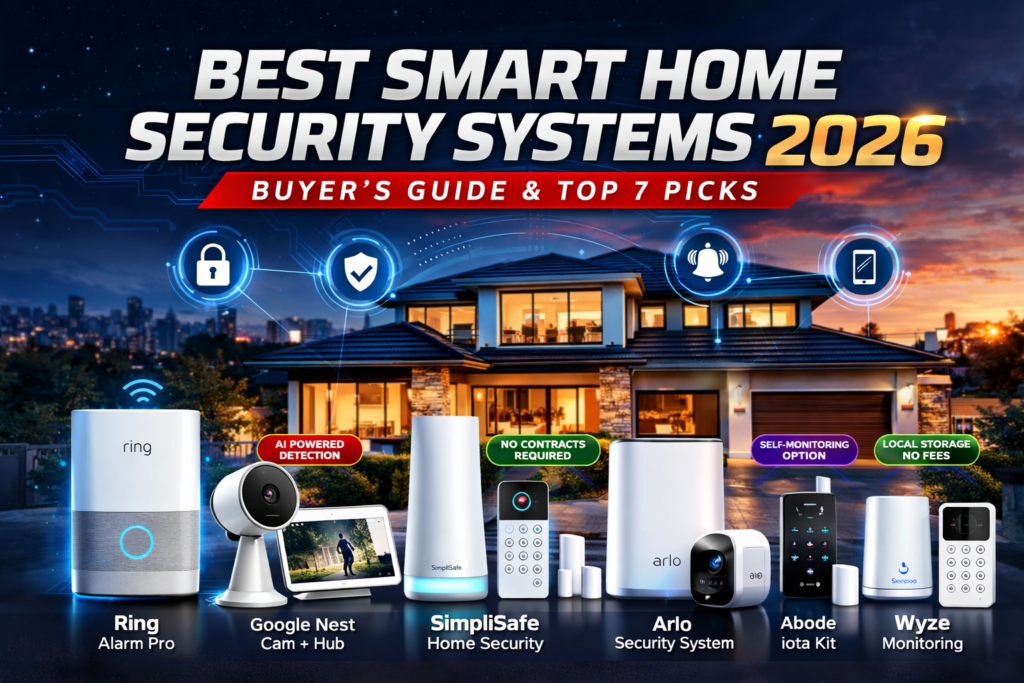
Smart home security systems have come way from just door alarms and window sensors. Now they have features that sounded like fantasy a years ago. These include recognition powered by artificial intelligence and controlling your system with your voice.
Real user feedback, comparing features, and performance differences between popular models we picked seven best smart security system for you. They have the technology work well and are not too expensive. This guide helps you find a home security system that fits your needs and budget. It doesn’t matter if you live in an apartment or a big house. There’s a system that will make you feel safe without costing too much.
Table of Contents
What This Guide Covers
This guide looks at the smart home security systems in 2026. It covers:
- Full reviews of systems with test results
- A detailed breakdown of costs including any fees
- Installation difficulty and setup requirements
- How well the systems protect your data and privacy
- Options, for monitoring and what you agree to
- How well the systems work with smart home devices
- How good the mobile app. How easy it is to use
Quick Comparison: Smart Home Security Systems Top picks
SYSTEM | IMAGE | BEST FOR | STARTING PRICE | MONTHLY FEES | KEY FEATURES | STAR RATING | REVIEW |
Ring Alarm Pro | 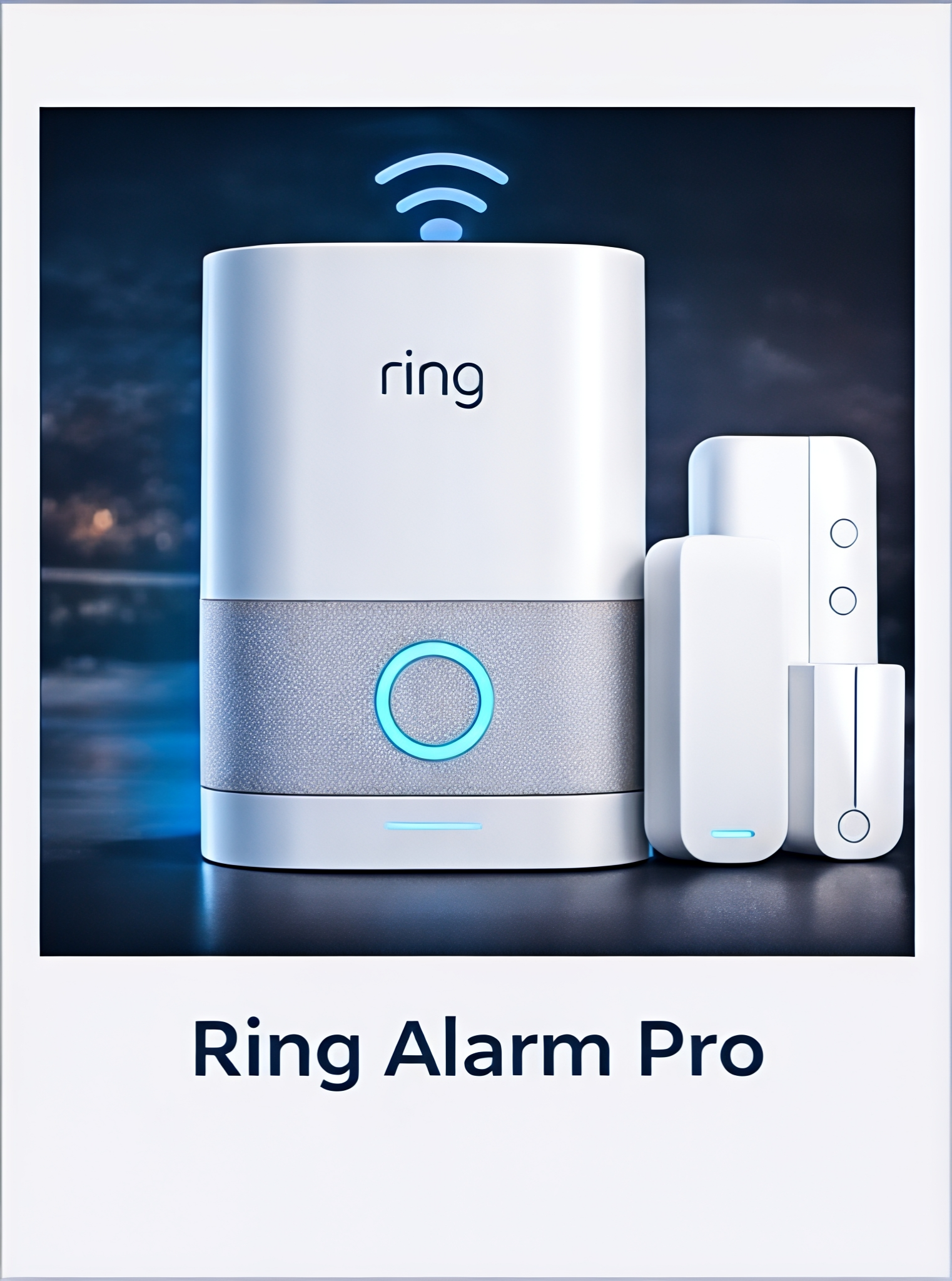
| Amazon users | $199–$299 | $20 | Built-in eero router | ; | |
Google Nest Cam + Nest Hub (Security Setup) | 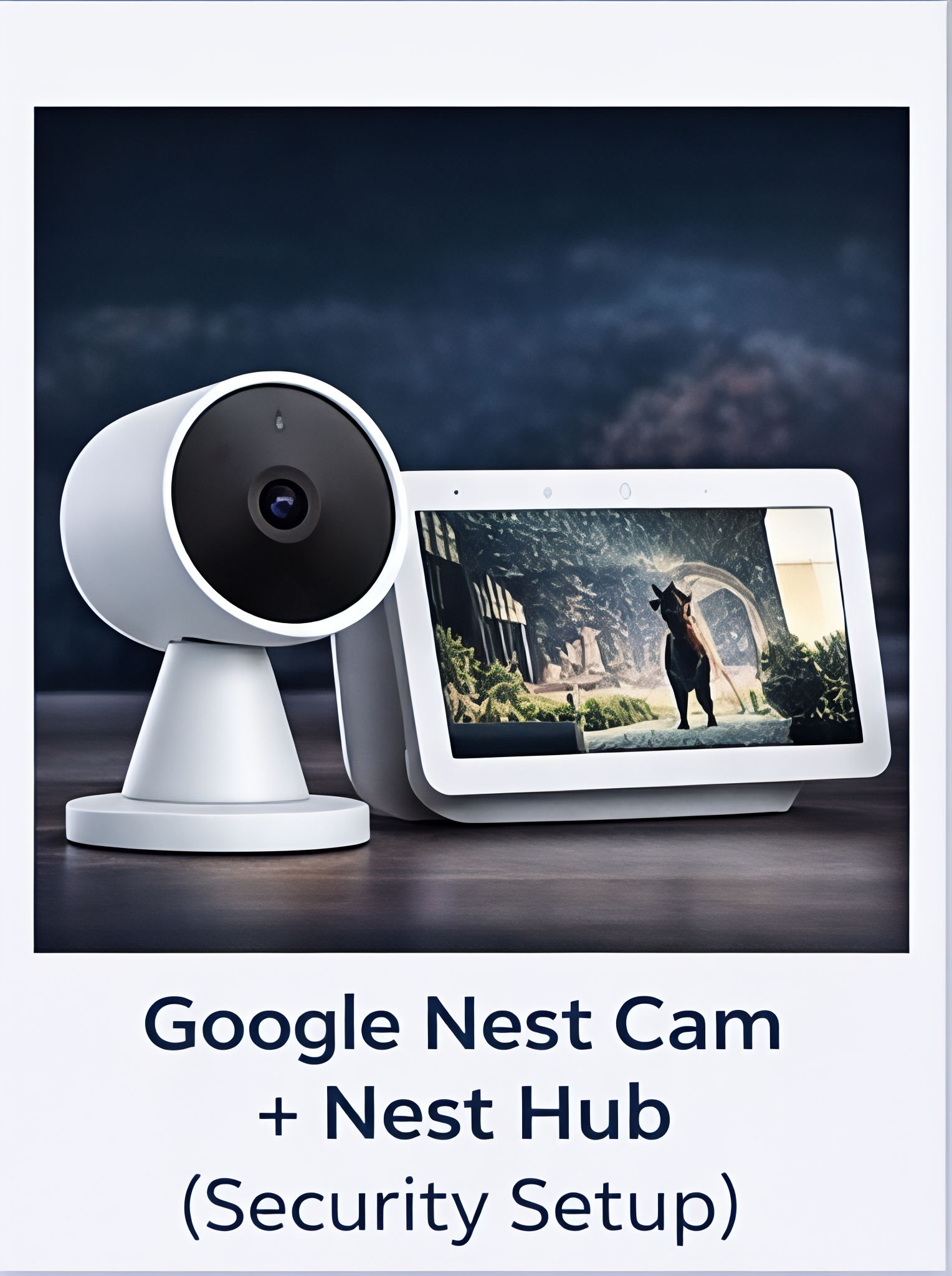
| Google ecosystem | $179+ | $8–$15 | AI-powered camera detection | ; | |
SimpliSafe Home Security System | 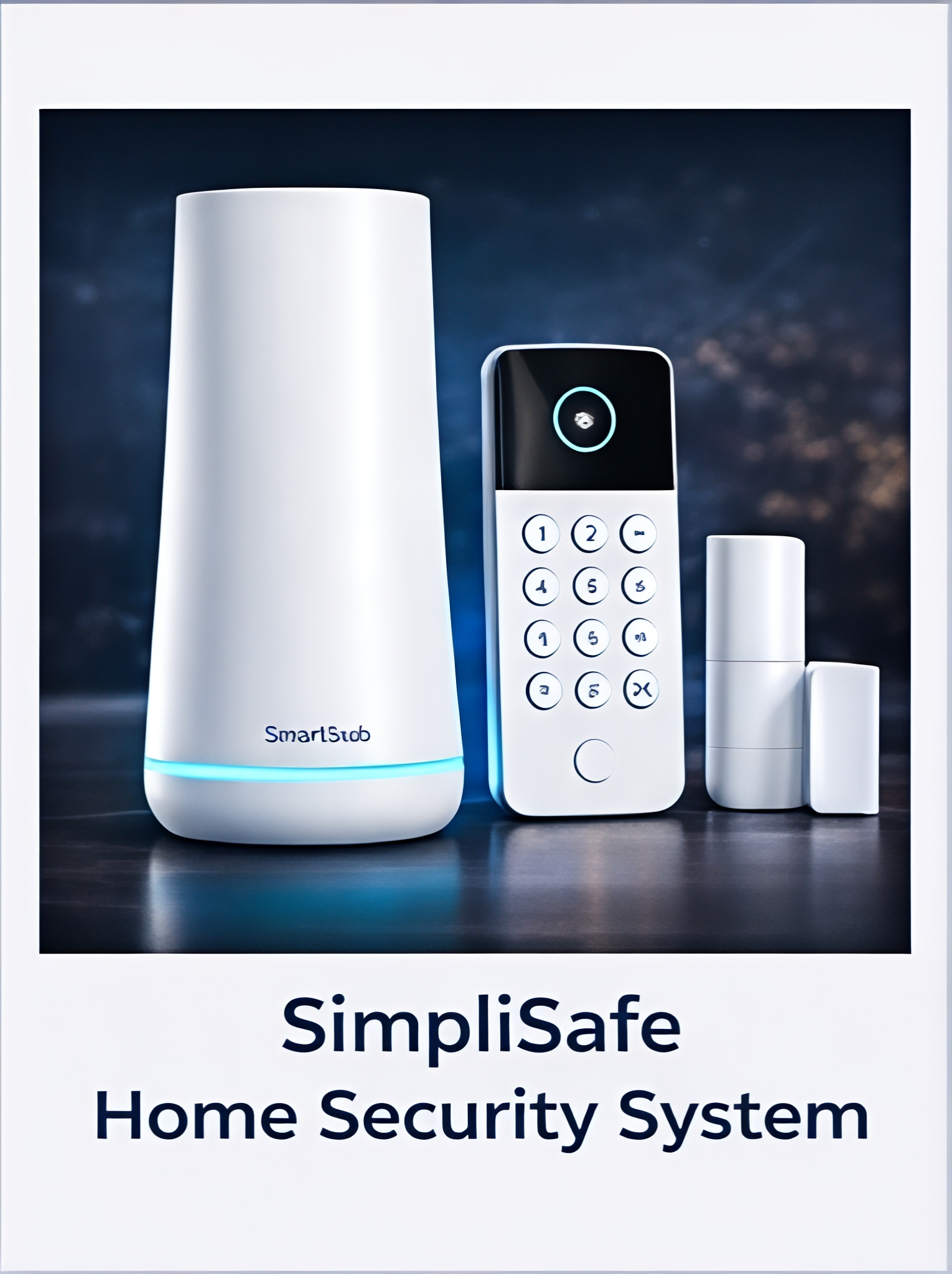
| Renters | $229 | $18 | No contracts required | ; | |
Arlo Security System (with SmartHub) | 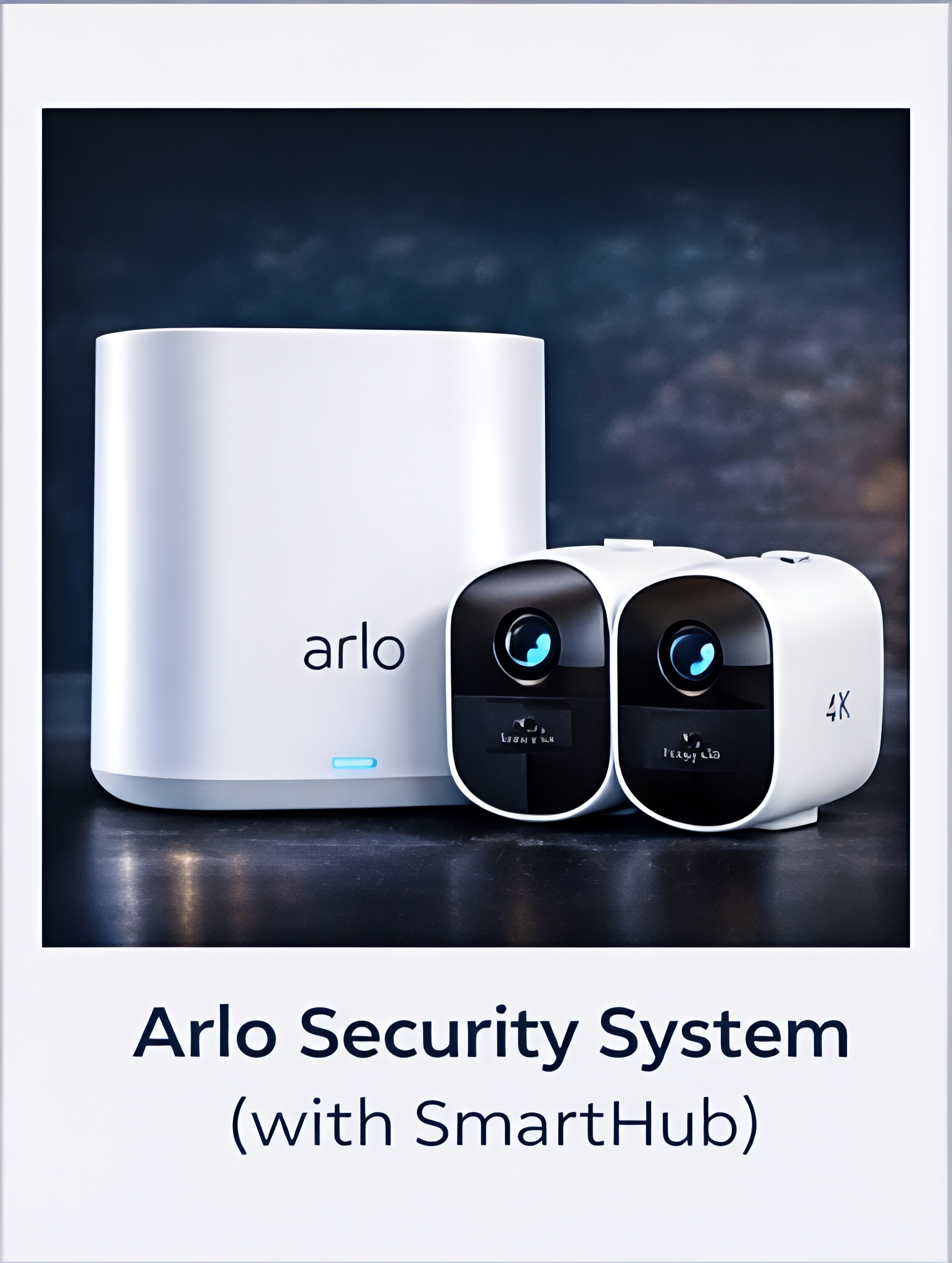
| Video focus | $199 | $13 | 4K camera support | ; | |
Abode iota Smart Security Kit | 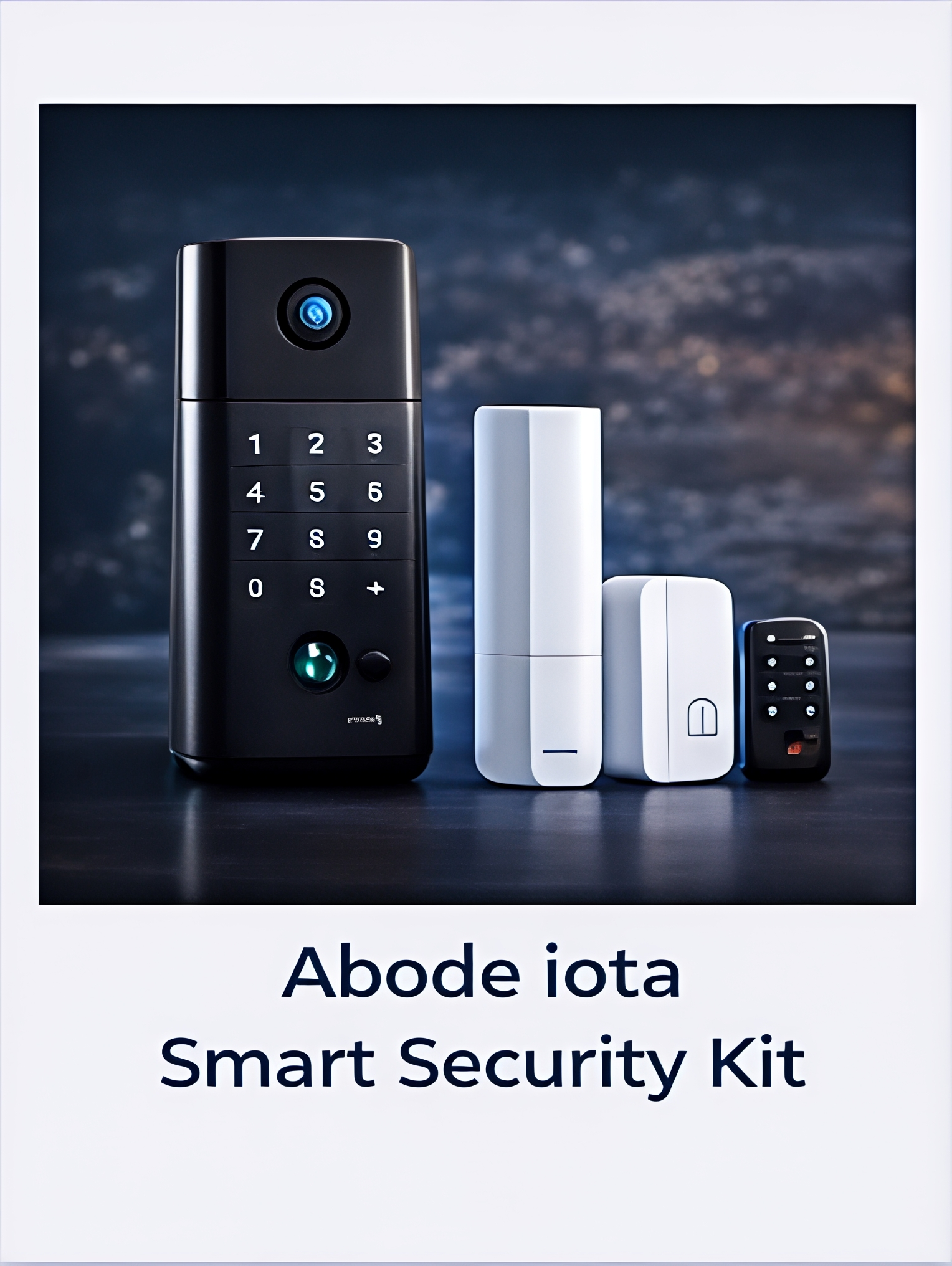
| DIY enthusiasts | $279 | $0* | Self-monitoring option | ; | |
Eufy Security HomeBase 3 | 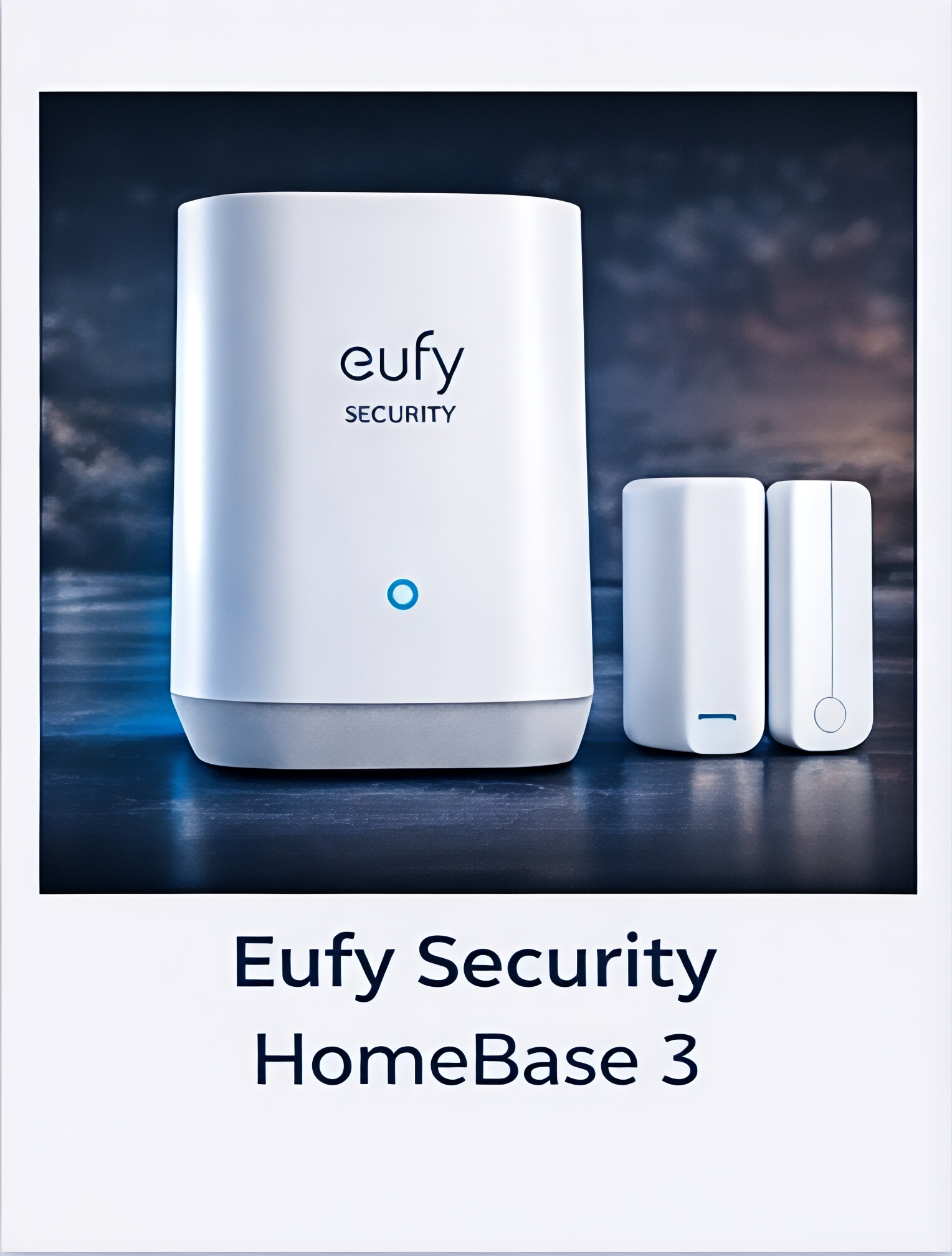
| Privacy seekers | $199 | $0 | Local storage only | ; | |
Wyze Home Monitoring System | 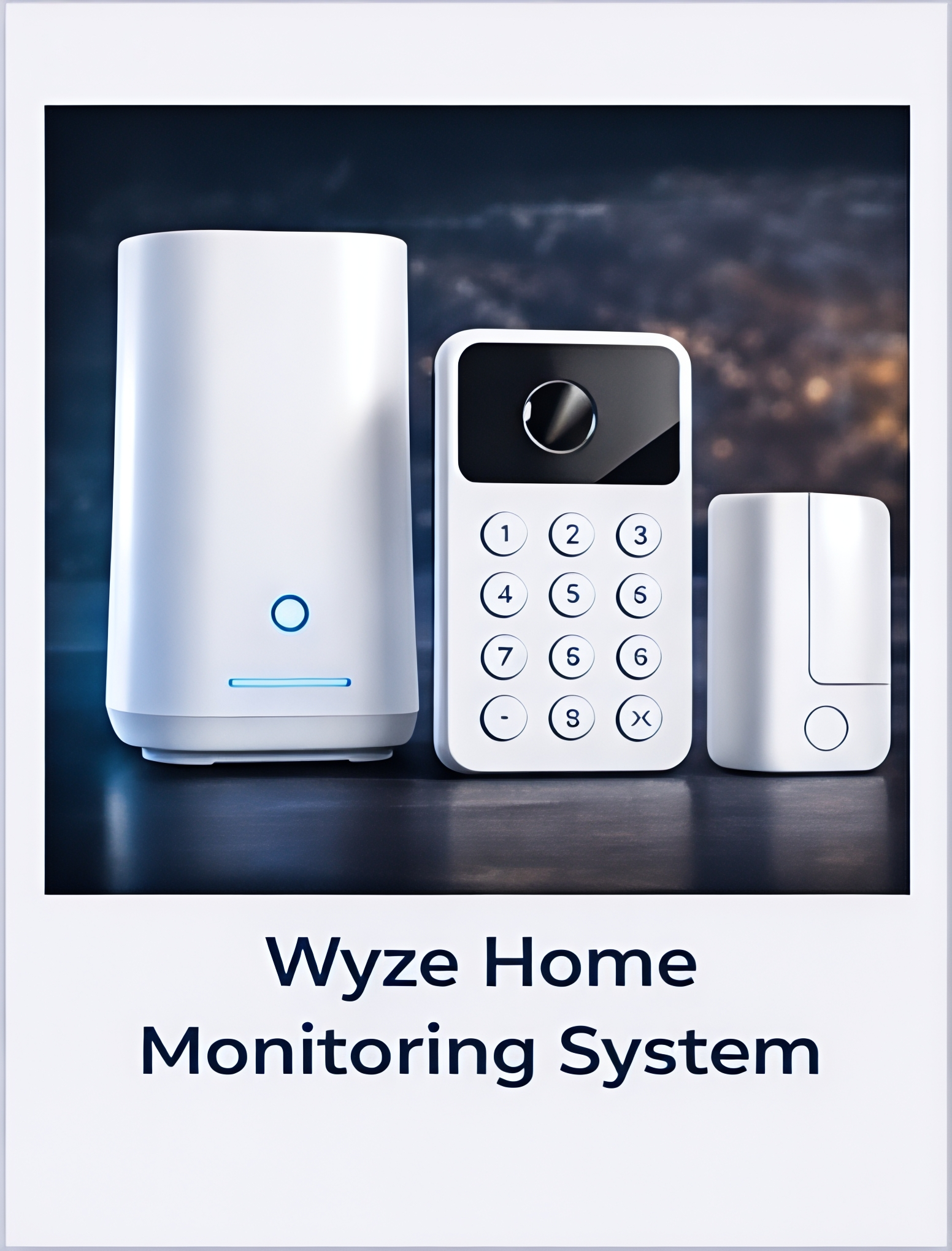
| Budget buyers | $99 | $10 | Lowest total cost | ; |
*Professional monitoring available for $20/month
2026 Top 7 Best Smart Home Security devices
1.Ring Alarm Pro
Amazons new security system is not just for security it also works as a Wi-Fi 6 router. This makes it a good option for homes that need both.
Main Specs
- Coverage: Up to 3,000 sq ft with base kit
- Sensors included: 8 door/window, 2 motion, 1 keypad
- Camera support: Unlimited Ring cameras
- Backup connectivity: Built-in cellular modem
- Smart home integration: Alexa native, limited others
- Professional monitoring: 24/7 available
- Battery backup: 24 hours
- Warranty: 2 years
Pros & Cons
✅Pros:
- The built-in eero Pro 6 router saves you money and space
- It works well with Ring devices
- The cellular backup keeps you connected during outages
- You get Alexa Guard Plus features with the monitoring plan
- It’s easy to add Ring accessories
❌Cons:
- It doesn’t work well with devices outside the Amazon ecosystem
- You need a Ring Protect Pro subscription for all features
- Some users have connectivity issues
- It’s more expensive, than security systems
The Ring Alarm Pro is a good choice because it keeps working during power outages. With its backup you can still monitor your home through the mobile app even when your internet is down and check on your Ring cameras and sensors.
2.Google Nest Cam +Nest Hub (Security Setup)
Googles smart home security system now uses Nest cameras, sensors and smart displays. This setup uses machine learning.
Main Specs
- Coverage: Flexible depending on devices used
- Sensors included: Sold separately (door/window sensors optional)
- Camera support: Native Nest camera ecosystem
- Backup connectivity: Wi-Fi + optional backup
- Smart home integration: Google Assistant
- Professional monitoring: Available via Nest Aware
- Battery backup:Varies by device
- Warranty: : 1 year
Pros & Cons
✅Pros:
- The AI detection reduces false alerts
- Easy integration with Google Assistant
- The camera quality is great and smart alerts
- The design is clean and modern
- Strong app experience
❌Cons:
- There is no all-in-one security hub like the old Nest Secure
- You need multiple devices for a full setup
- You need a subscription, for advanced features
- It costs more when you have all the devices
The AI detection really works. The AI system quickly learned to tell differences between people, pets and packages. This reduced unnecessary false alerts.
Check the latest Google Nest devices for smart home security setup.
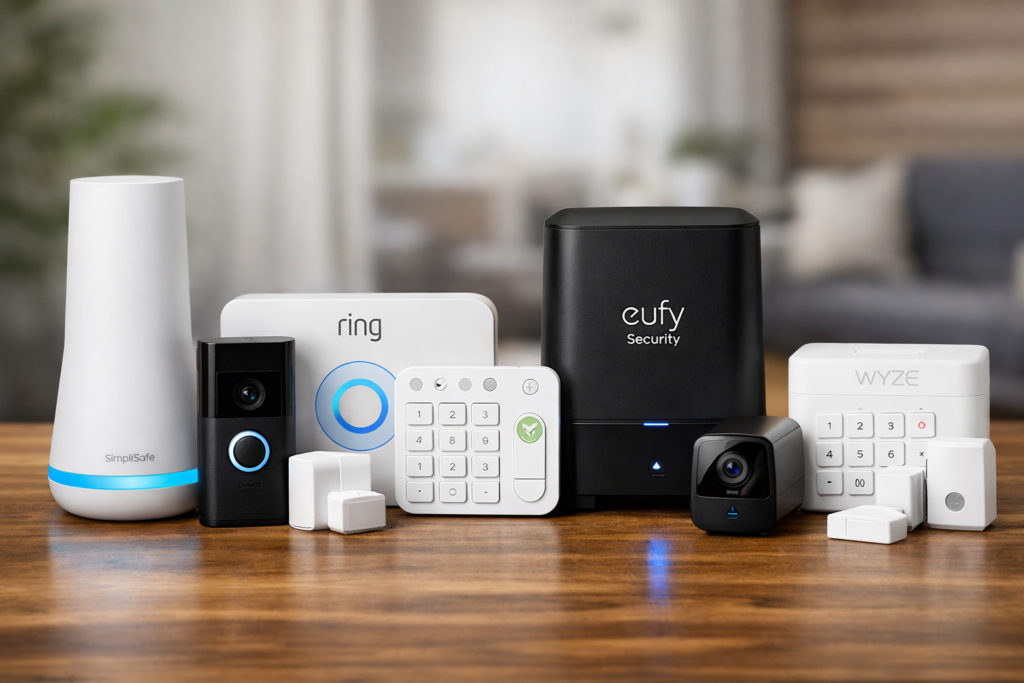
3.SimpliSafe Smart Home Security System
SimpliSafes fourth generation smart home security system is really good for people who do not want to be locked into a contract. It is great for people who rent a place. Homeowners who do not want to commit to a long-term contract.
Main Specs
- Coverage: Up to 2,000 sq ft with base kit
- Sensors included: 4 door/window, 1 motion, 1 keypad
- Camera support: SimpliSafe cameras only
- Backup connectivity: Cellular included in all plans
- Smart home integration: Alexa, Google Assistant
- Professional monitoring: Optional, no contracts
- Battery backup: 24 hours
- Warranty: 3 years
Pros & Cons
✅Pros:
- You do not have to sign a long term contract with SimpliSafe
- You can customize it a lot to fit your needs
- It is really quick to set up it only takes about 30 minutes
- SimpliSafe has a secret alerts feature for people who need it
- The customer service is really good and they get back to you fast
❌Cons:
- It does not work with a lot of other smart home devices
- The cameras are expensive to add-ons
- The mobile app could be easier to use
- Some of the advanced features only work if you have the highest level of monitoring, with SimpliSafe
SimpliSafe is a great choice because it is flexible and you do not have to sign a contract. If you need to move SimpliSafe to a place it is really easy and you do not have to pay any extra fees. You just need to make a phone call. This is not something that a lot of security companies offer
4.Arlo Security System (with SmartHub)
Arlos home security system is really good at keeping an eye on things with video. It works well with their high quality 4K wireless cameras and traditional sensors.
Main Specs
- Coverage: Up to 1,500 sq ft with base kit
- Sensors included: 2 door/window, 1 motion, 1 keypad
- Camera support: Up to 20 Arlo cameras
- Backup connectivity: Ethernet/Wi-Fi only
- Smart home integration: Works with most platforms
- Professional monitoring: Available through partners
- Battery backup: 12 hours
- Warranty: 1 year
Pros & Cons
✅Pros:
- Arlos camera integration and quality are the best.
- The video analytics and AI features are excellent.
- It works well with smart home devices.
- You can store videos locally.
- The outdoor parts can withstand the weather.
❌Cons:
- The starter kit is small so you may need to add devices quickly.
- It can be expensive to get coverage.
- There is no built-in cellular backup.
- The pricing for cloud storage can be confusing.
Arlos 4K cameras take clear videos. They can capture details that are important for security. This can help identify people. Support security investigations. Arlos cameras are very good, at what they do.
5.Abode iota Smart Security Kit
The Abode security system is for people who like to do things themselves and want features that are usually found in systems, but they also want to be able to monitor everything on their own without having to pay extra money every month.
Main Specs
- Coverage: Up to 2,500 sq ft with base kit
- Sensors included: 6 door/window, 2 motion, 1 keypad
- Camera support: Works with 150+ camera brands
- Backup connectivity: Cellular backup available
- Smart home integration: Extensive third-party support
- Professional monitoring: Optional
- Battery backup: 72 hours (industry-leading)
- Warranty: 2 years
Pros & Cons
✅Pros:
- You do not have to pay monthly fees to use the basic features of the Abode system.
- The battery in the Abode system lasts a long time.
- The Abode system can work with security cameras you already have.
- You can make a lot of custom rules for how the Abode system works.
- The Abode system is made with high-quality parts. Is very reliable.
❌Cons:
- It can take some time to figure out how to use the Abode system.
- You have to pay a lot of money upfront to buy the Abode system.
- The app for the Abode system looks a little old.
- If you are monitoring the Abode system on your own the company does not offer a lot of help.
The 72-hour battery backup is really great because it keeps the Abode system working for a time even when the power is out. This means the Abode system will still be working when a lot of systems would have stopped. The Abode system is really good, at keeping you safe when the power’s out.
6.Eufy HomeBase 3
Eufy does things differently when it comes to keeping your information private. They store all your data locally which is a big deal for people who do not like the idea of their information being stored somewhere else on the internet.
Main Specs
- Coverage: Up to 2,000 sq ft with base kit
- Sensors included: 4 door/window, 2 motion, 1 keypad
- Camera support: Eufy camera ecosystem
- Backup connectivity: Wi-Fi only
- Smart home integration: Apple HomeKit, Alexa, Google
- Professional monitoring: Not available
- Battery backup: 8 hours
- Warranty: 1 year
Pros & Cons
✅Pros:
- You get privacy because everything is stored at locally
- You do not have to pay any monthly fees
- It works really well with Apple HomeKit
- You get a lot for your money
- It is simple and easy to use
❌Cons:
- You cannot get professional monitoring
- You have limited access when the internet is down
- Eufy is not as big as some other brands, so they do not have as many products
- The mobile app is pretty basic
Eufy is really good at keeping your information private. They make sure all your data stays at locally so you do not have to worry about it being sent to some server. Eufy is about keeping your information safe and sound, at home. This is what makes Eufy special they really focus on privacy. Keeping your data safe at home with Eufy.
7.Wyze Home Monitoring System
Wyzes home security system keeps its budget-friendly reputation for smart home products while adding strong security features.
Main Specs
- Coverage: Up to 1,200 sq ft with base kit
- Sensors included: 2 door/window, 1 motion, 1 keypad
- Camera support: Full Wyze camera line
- Backup connectivity: Optional cellular backup
- Smart home integration: Alexa, Google Assistant
- Professional monitoring: 24/7 available
- Battery backup: 16 hours
- Warranty: 1 year
Pros & Cons
✅Pros:
- Wyze has the lowest total cost of ownership
- It easily integrates with existing Wyze devices
- The system has basic functionality at a budget price
- The Wyze ecosystem is growing
- Responsive support
❌Cons:
- The starter kit has limited coverage
- There are fewer advanced features
- The build quality feels less premium
- Wyze is a Newer brand compared to other systems
The Wyze home security system stands out for its reliability despite being budget-friendly. After using it for a long time the system stays stable with no major issues offering great value, for the cost. Wyzes system provides value because of its affordable price and strong performance.
Side-by-Side Feature Breakdown: Smart Home Security Systems
Feature | Ring Alarm Pro | Google Nest Setup | SimpliSafe | Arlo System | Abode iota | Eufy Home Base 3 | Wyze Monitoring |
Setup Time | 45 min | 35 min | 30 min | 40 min | 60 min | 25 min | 35 min |
Mobile App Rating | 4.2/5 | 4.5/5 | 3.8/5 | 4.1/5 | 3.6/5 | 4.0/5 | 3.9/5 |
False Alarm Rate | Medium | Low | Medium | Low | Low | Medium | Medium |
Smart Home Compatibility | Limited | Limited | Moderate | Extensive | Extensive | Moderate | Limited |
Local Storage | No | Partial | No | Optional | Yes | Yes | No |
Contract Required | No | No | No | No | No | No | No |
Cellular Backup | Included | Optional | Included | No | Optional | No | Optional |
Battery Life | 2–3 years | 1–2 years | 3–5 years | 1–2 years | 3–5 years | 2–3 years | 1–2 years |
Smart home security devices: Key Buying Factors
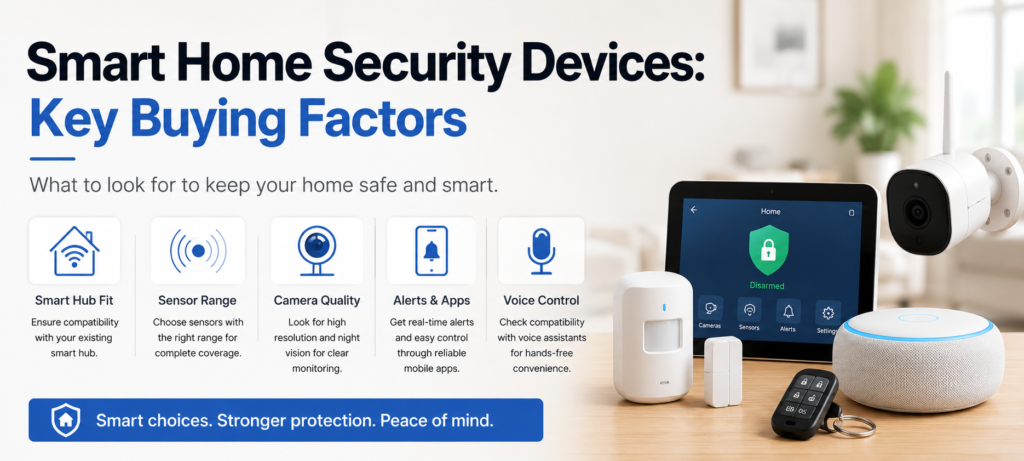
Smart Hub Fit
Your current smart home setup is something that you should think about when you’re choosing a home security system. If you already have a lot of Amazon Alexa devices in your home the Ring Alarm Pro is a choice because it works really well with them. It is easy to use. It feels like it was meant to be a part of your Amazon Alexa system. If you use Google Assistant, the Nest Secure 2 is an option because it works well with that system too
However do not feel tied to a brand if it means giving up key security features. I have seen many people pick quality systems just because they match their smart speaker brand. Then they regret it when they require protection.
When you are getting started with something like a kit it usually comes with enough sensors for a small apartment or condo.. If you live in a bigger house you have to think about what you need to do. You have to think about what you need and what you might need later on. You might be thinking about the basement or the garage. How you can use those spaces. The starter kit and its sensors might need to cover those areas, like that basement workshop or a garage conversion at some point.
Sensor Range
The wireless range is really different from one system to another. Ring and Abode worked well in big houses. Wyze had a lot of trouble with connections when it went past 1,200 square feet even when used Wi-Fi repeaters to help it out. Wireless range is a deal for systems, like Ring and Abode and Wyze.
Camera Quality
When you have video evidence it really helps you get your stuff back when you file a claim with your insurance company. Arlo cameras are the quality but they are also very expensive. Ring cameras are a choice because they are pretty good and do not cost too much. Wyze cameras are okay. They are very cheap. Video evidence from Arlo cameras makes a difference and that is why people like them. Video evidence from Ring cameras is also good. People like that they are affordable. Video evidence from Wyze cameras is not the best. It is better, than nothing and the price is very low..
You should think about the lighting around your home. The way security cameras work, at night is really different. Some cameras do not work well in the dark. The video is hard to see. Other cameras work very well and you can see things clearly. Night vision is a thing to consider when you are looking at security cameras. The night vision capabilities of some systems are not very good. The video is not clear.. The night vision capabilities of other systems are very good and you can see everything you need to see.
Alerts & Apps
Push notifications should tell you what you need to know without bothering you much. The good systems allow you to choose what kind of alerts you get and when you get them and who gets them. SimpliSafe is really good at this because it lets you control push notifications in a detailed way, which is not the case with some other cheaper systems that send you a lot of push notifications that you cannot turn off.
App reliability matters more than flashy interfaces. should prioritized apps that consistently delivered alerts and allowed reliable arming/disarming over those with fancy graphics but connectivity issues.
Voice Control
Voice control is really convenient. It differs a lot from one system to another.Ring and Google Nest let you use language commands like saying “Alexa turn on the security system”.Some other systems need you to use exact phrases that sound pretty weird.
You should think about if using your voice to control things can put your security at risk. Some people actually turn this feature off because they are afraid that someone might hear them by accident and turn off their security system. They are also worried that someone might hack into their speakers and get into their system
Contract Terms
When you are looking for a security system try to avoid the ones that make you sign a contract for a time. If you want to stop using the system you should not have to pay a fee. Some security companies do not treat their customers well.. There are some new companies, like SimpliSafe and Abode that are different. They give you freedom to choose what you want. The older security companies do not do this
When you sign up for something you should really read the rules about canceling. Some companies are very bad, about letting you cancel the service that watches your stuff. They make it very hard to stop the service. They keep your equipment until you do what they want. They also have a lot of steps to return things and they charge you extra money for it. You should always read the cancellation policies carefully for monitoring services.
Add-on Extras
When you are thinking about buying something you should think about all the costs from the start. This includes things like sensors and cameras that you might want to add. These things can make the total cost a lot higher maybe two or three times more than you first thought. This is especially true if you are looking at brands, like Google Nest or Arlo.
Some home security systems have devices. These include water leak detectors, smoke alarms and glass break sensors.You should check if these devices work with the system before you choose it.
Setup & Install Tips
DIY vs Pro Help
Most modern smart home security systems are designed for do-it-yourself installation. They can be very different in terms of complexity.Wyze and Eufy security systems work out of the box. They need little setup. While Abode Security systems offer a lot of customization options like professional-grade systems. These options can be too much for people who’re not experts.
When you have a house or a complicated setup it is a good idea to get a professional to install your security system. Companies, like Ring and SimpliSafe have installation services that’re pretty affordable. They will make sure your system is working properly. They will even teach you how to use it. The extra money you pay for this service is usually worth it because it saves you time and you know everything is set up correctly.
⚠️Avoid Common Errors
Sensor placement mistakes-Motion sensors work best when placed in corners. They should cover where people enter the room. They should not focus on areas where pets or family members move around often. Door and window sensors need to be aligned. Even small gaps can cause them to fail to connect.
Wi-Fi interference Things like microwaves, baby monitors and certain LED lights can mess up the communication, between sensors. When you’re setting up the system try connecting each sensor from spots before you mount it permanently.
Range testing You should do range testing before you mount anything permanently. Take a walk around your home with the sensors to see where the dead zones are or where the signal is weak. The Wi-Fi sensors will help you find these areas. It is much easier to add Wi-Fi extenders or move the hubs to a spot before you screw the Wi-Fi sensors to the walls. This way you can make sure the Wi-Fi sensors work properly.
The hub needs to be in the spot for it to work properly. Things like walls can get in the way of the connection but if you move the hub just a little bit it can make a big difference, in the signal and fix a lot of problems. The hub placement is really important for this to happen.
Smart home security systems often require additional devices like smart plugs for automation. You can check our detailed guide on the best smart plugs for 2026.
Ongoing Costs
Gear Prices
The cost of the equipment you buy at the start is the beginning of what you will spend on your smart home security. You will also have to pay for sensors when the old ones stop working, more cameras and upgrades to your system. These things can cost a lot of money over time.
Battery replacement Battery replacement schedules are different for each brand. SimpliSafe sensors can last than three years. They worked well that long.Google Nest sensors need batteries every year. You should think about these costs when you calculate the total cost of owning these devices.
Damage replacement When you get a damaged product the rules for getting a replacement are different for each company that made it. For example Ring will replace a product for free if it is still under warranty.. Some other companies will charge you to ship the product back to them even if it is clearly their fault that the product is damaged.
Plan Fees
Monthly fees pay for 24/7 monitoring centers. These centers call emergency services when alarms go off. The quality of service differs a lot, between providers.
Response time testing. Rings service usually called people within 45 seconds of the alarm going off. Some other services took way longer more, than three minutes to make that first phone call. Those extra minutes can be really important when something bad is actually happening. Rings monitoring service is supposed to help people in emergencies. Those extra minutes can make a big difference.
Contract flexibility affects long-term costs, than monthly fees. Systems that need annual contracts often raise prices a lot when its time to renew. They are betting that changing systems seems hard for most users.
Privacy & Data Safe
Cloud Storage Rules
Smart home security systems put video and sensor data on cloud servers. This makes some people worried about their privacy. Many users do not really get these concerns.Ring faced criticism for sharing footage with law enforcement, while Google analyzes video for advertising targeting.
Data encryption– is different with each company. Eufy keeps all your information safe on your device. Does not send anything to other computers. On the hand Ring protects your information when it is being sent somewhere but it does store this information on Amazon computers and they have their own rules, about keeping things private. Eufy and Ring have ways of handling data encryption.
Third-party access-You should really read the rules about who can look at the videos, from third-party access policies. Some companies say they can look at your footage to make their system better or to help with customer service. The problem is that this is pretty vague, and it could mean they can look at a lot of your data.
💾Local Save Options
Local storage helps with cloud privacy worries. It also brings new issues. Some home security brands, like Abode and Eufy have storage options, this means video footage stays on devices at your home. One downside is you can’t access the footage remotely when your internet is down.
Backup strategies Backup plans are really important when using storage. Things, like drive crashes, power spikes or someone stealing your stuff can ruin your evidence when you need it most. You should look into systems that do backups and also save your data in the cloud with extra security.
🔢Warranty & Support
Warranty and customer support are very important for a security system. They can determine how happy you are with it in the long run. They have 24/7 phone support that actually helps you fix problems. Some other brands that are cheaper do not offer this. They mostly use email support. Take a few days to respond.
Replacement policies Replacement policies are really important when something goes wrong. Ring really fast within 2 days act on their replacement policies .Other brands said it would take them 7 to 10 days to replace it which is too long and leaves your home vulnerable.
Technical support quality the quality of support is really different from one company to another. Google Nest support is very good at what they do they know a lot about the products. Can help fix difficult problems when things do not work together like they should. On the other hand the support teams, for cheaper brands are not as helpful. They usually just read from a script. Do not really try to solve the actual problem
Extended warranty options are an idea for big systems with really expensive parts. Arlos’s cameras are pretty pricey at over $200+ each. This is why Arlos extended warranty program is a deal, for security systems that have a lot of Arlo cameras.
❓FAQs
Q: Can I use my existing security cameras with these systems?
A:It really depends on the system. Abode works with over 150+ camera brands.. Ring and Google Nest only work with their own cameras. So if you want to keep your existing cameras you should check if they are compatible before buying..
Q: What happens during power outages?
A: All of these security systems have a battery backup. How long it lasts varies. Eufys battery lasts for 8 hours. Abodes battery lasts for 72 hours. If a system has a backup, it keeps working fully. If it only uses Wi-Fi, you lose remote access until the power comes back.
Q: Do I need professional monitoring?
A: If you are usually at home and can respond to alerts self-monitoring is fine. But if you travel a lot are elderly or want someone to respond to emergencies when your phone is off professional monitoring makes sense.
Q: Can renters install these systems?
A: smart home security systems use sticky mounts that don’t damage walls. SimpliSafe is good for renters. They have installation options that don’t damage anything and are easy to move.
Q: How do these systems handle pets?
A: It depends on the sensor quality. High-end motion detectors from Ring and Google Nest can ignore pets that weigh under 40 pounds. Cheaper sensors might get triggered by big dogs or cats jumping on furniture.
Q: What internet speed do I need?
A: For monitoring you don’t need much internet speed. 1 Mbps is enough for systems. For video streaming you need more. Plan for 2 Mbps, per camera for it to work smoothly. For storage systems upload speed is more important than download speed.
🔗Related Articles
- How to Build a Smart Home Security System (Ultimate Guide 2026)
- Schlage Smart Lock Review (2026): Is It Worth Buying?
- Best Smart Security Cameras for Home in 2026 (Complete Buyer’s Guide)
- How to Place Security Cameras for Maximum Protection (2026 Guide)
- Best Smart Video Doorbells for Home Security in 2026 (Complete Buyer’s Guide)
- Best Smart Locks for Home Security (2026 Guide)
- Smart Home Setup Under 200$ (2026 Budget Guide): Build a Smarter Home for Less
- Yale Smart Lock Review (2026): Is Yale Assure Lock 2 Worth Buying?
🚀Final Thoughts
The smart home security system is the one you will actually use every day. Fancy features don’t matter if setting it up is too complicated and you give up after a weeks.
For homeowners I suggest starting with SimpliSafe smart Home Security System or Ring Alarm Pro.Both offer great reliability, fair pricing and room to grow as your needs change.
If you care about privacy consider Eufy Security HomeBase 3.If you are on a budget Wyze Home Monitoring System gives great value.
Remember, smart home security systems work best when you use them as part of your safety habits. The expensive system won’t help if you forget to turn it on or ignore warnings because of too many false alarms.
Choose a system that fits your lifestyle and budget use it every day for maximum protection. Take time to think about what you need try out systems if you can and don’t rush into contracts or long-term commitments until you’re sure, about your choice.
Pingback: Best Kitchen Appliances in USA (2026): Top Picks for Every Home
Pingback: How to Build a Smart Home Security System (Ultimate Guide 2026)
Pingback: Schlage Smart Lock Review 2026: Is It Worth Buying?