
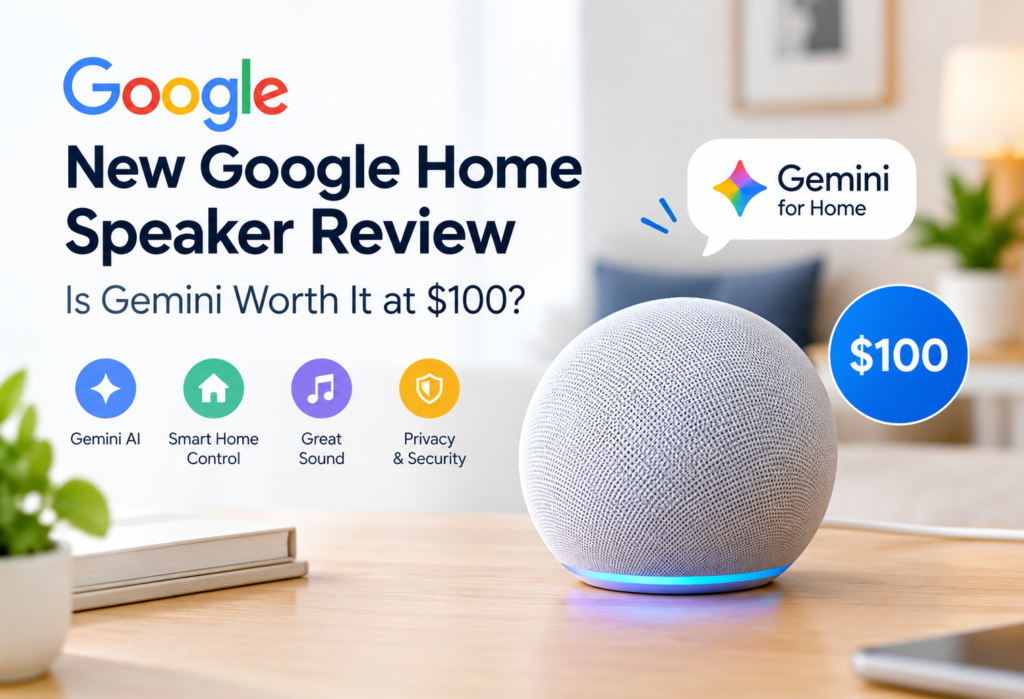
For those who might be interested in the Google Home Speaker worth $99.99, this review will provide necessary information about it. In this 2026 product, Google introduced an AI assistant for Home called Gemini, which is expected to enable more conversational interactions.
In this review, we will discuss its AI features, sound quality, smart home compatibility, privacy options, as well as subscription pricing. One of the main aspects of this product is its focus on smart home control and AI assistance. In case you prefer high-quality music playback, you may compare its sound with the one from specialized products.
You can check the Google Home Speaker on the Google Store for current pricing and availability.
Table of Contents
Google Home Speaker Review (2026): Design, Price, and Specifications
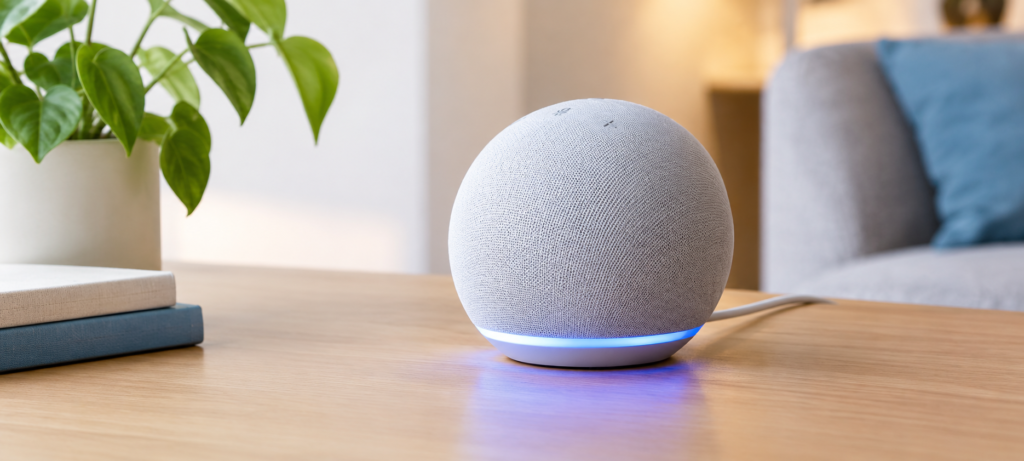
Google introduced its newest Home Speaker, which has a compact rounded design. It is suitable for placing it on a nightstand, kitchen countertop, or even a desktop. It has a light ring at the bottom, which lights up when the device listens and replies to user’s request. Also, there are touch controls at the top of the product allowing you to mute or turn off the speaker and adjust volume and play/pause music without uttering a word. There are four colors available: Berry, Porcelain, Hazel, and Jade.
Here’s a quick look at the full specs:
| Specification | Details |
|---|---|
| US Launch Price | $99.99 |
| Audio Driver | 58 mm full-range driver |
| Sound Design | Omnidirectional audio |
| Wi-Fi | Wi-Fi 6, 2.4 GHz and 5 GHz |
| Bluetooth | Bluetooth 5.4 |
| Smart-Home Connectivity | Thread 1.3 border router and Matter |
| Microphones | Three far-field microphones |
| Privacy Control | Physical, two-stage microphone-mute switch |
| Power | Wired power; no built-in battery; 30W USB-C power adapter |
| Colors | Berry, Porcelain, Hazel, Jade |
For hardware details, connectivity options, and dimensions, review the Google Home Speaker’s technical specifications.
The design is minimalist and subtle. This device does not have an over-the-top look as it doesn’t resemble tech devices trying too hard to look different and unique. At least, this is good news for most of the consumers. The device fits into a room easily and not demanding to be noticed, while the physical mute button in its back provides users with additional practical features.
Setup and Everyday Usability
The process of setting up the Google Home Speaker is quite simple. All one needs to do is to connect it to the power supply, launch the Google Home application, and connect it to the Wi-Fi network. After that, you can assign it to a room in your house.
You can then connect your favorite streaming platforms such as Spotify and YouTube Music and start adding compatible smart devices. In case you already own Google Home devices with Nest products and other compatible products installed, you will notice that the process becomes easier, since everything works in one app.
Having said all of that, there are a couple of things that should be mentioned before the installation starts. First of all, users will require Google account, and there might be some issues with availability of certain functions for different regions. Also, users might not be able to fully enjoy the Wi-Fi 6 speed in case the home network uses old routers. Finally, new functions rollout in stages, meaning that some of them may become available to your device later rather than immediately.
Gemini for Home: What Does the AI Actually Add?
It’s likely that this part of the article was the reason for your interest. According to the developers, this is their first audio device that utilizes Gemini for Home, and it’s a crucial difference between this product and previous speakers. So, what does it mean in practical terms?
The concept behind Gemini for Home is its ability to comprehend natural speech. This means that instead of entering simple commands such as “Hey Google, turn off the living room lights,” one would be able to talk in a more conversational tone, such as “Hey Google, it’s getting dark in here.” Follow-up questions are another feature of this project which allows having a conversation in the way that resembles communication with a real person, rather than entering commands into a computer.
In practical terms, that could look like:
- Creating a morning schedule without entering all the information
- Using follow-up questions in a conversation without entering the whole context
- Helping in household activities such as setting a timer, reminders or checking the weather
- Operating compatible devices without entering certain trigger words
It’s important to state here that expectations should be set realistically. Every single command will not be successfully executed from the very first attempt and some of the Gemini advanced features like extended conversational memory and additional home automation functionality will need you to get Google Home Premium subscription, which we will discuss later. Some feature availability might also depend on the language setting, geographic location and phase of release by the time of your reading this.
Basic functions of a voice assistant – playing music, setting up timers and answering general queries – are available without any subscriptions. The move up to Gemini’s enhanced, context-aware functionality is the point where the border is blurred.
Smart-Home Control: Matter, Thread, and Google Home Compatibility
Among the features of the speaker that will work in favor of its sale to customers is what it offers to a smart home system beyond voice capabilities. The Google Home Speaker features Matter and Thread 1.3 border router. These two are important aspects to note if a consumer is creating their smart home.
Matter is a standard for smart homes that was created with the goal of increasing the connectivity of devices manufactured by different companies. For example, if a smart bulb, smart plug or sensor is a Matter certified device, then it should be able to connect with all the three platforms – Google Home, Apple Home, and Amazon Alexa – without any additional hubs.
Thread operates in a slightly different way. This is a low-power networking protocol that can be used by your smart-home devices to communicate. In particular, since there’s a Thread border router included in the design of the speaker itself, it becomes possible to manage such devices via Thread without having to buy any separate devices.
Some practical examples of what this could support:
- Quickly responding smart light bulbs that operate using a direct Thread connection
- Voice-controllable or scheduleable smart plugs or outlets
- Door sensors or motion detectors used in home routines
- Other Matter-certified devices from various manufacturers
The one thing to remember here: support of Matter technology doesn’t guarantee that you won’t experience any issues when operating any of your devices. First of all, you’ll have to verify whether your specific devices work with Matter. Besides, some of them may require a certain controller to work properly.
Sound Quality: Is It Good Enough for Music?
Now let us be clear-cut about this. The presence of only one driver at 58 mm that covers all frequencies is not going to be able to beat even a bookshelf speaker or soundbars with multiple drivers. It does not make this specific speaker poor but it is simply due to limitations in what a small speaker is capable of doing.
What is good about this omnidirectional audio is that the sounds will be distributed in all directions coming from the speaker and this feature works well when you want some songs or podcasts being played without having to point the speaker straight to your ears.
In terms of what you can expect:
- Voice reproduction is clear – podcasts and audiobooks are easy to understand.
- Vocal elements in music are well-reproduced.
- Background music during cooking or work is enjoyable and evenly balanced.
- There is some level of bass reproduction, but there isn’t much – no need to hope for feeling it.
- Dynamic range is relatively narrow, meaning that very soft and very loud passages in music will not be as evident as they would be on better audio equipment.
- Volume is decent for a smaller room, but may seem lacking for a big open space.
As the New York Post said, “clear and loud” sound and “decent bass” with some lack of dynamics is what you should expect from this speaker. This assessment is quite fair given the size and price of this model.
What makes it unique is convenience. You won’t buy this device to listen to high-quality audio. The speaker does everything it was intended for – provides background music, reacts to voice commands and controls smart-home devices.
Microphone Performance, Voice Recognition, and Privacy
The speaker uses three far-field microphones designed to pick up your voice from across a room. In general, the more microphones a speaker has, the better it can isolate your voice from background noise — but actual performance depends on your room’s acoustics, background sounds, and how clearly you speak.
It’s reasonable to expect the microphones to work well in quiet to moderately noisy environments. In a busy kitchen or a room with a TV on, results can vary. Testing in your own space is the most reliable way to judge.
As for the privacy aspect, the presence of a physical mute button is a very important aspect. While the software mute can hypothetically be bypassed, a hardware mute button actually cuts off access to the microphone. It gives you a very clear indication of whether the speaker is listening at any particular moment.
However, there is no harm in spending a couple of minutes analyzing the voice activity settings of your Google account and the privacy features that are available within the Google Home application. You will be able to control which recordings are saved and make the settings according to your preferences. There is no speaker that cannot misinterpret something as a wake word.
Gemini Subscription: What’s Included in the Package For Free?
Getting the hardware is one expense, but it’s just as crucial to understand what it provides and what it does not.
The standard experience included with the speaker covers:
- Voice commands and smarthome controls
- Music streaming with connected services
- General knowledge and assistant answers
- Timers, alarms, and reminders
- Setup via Google Home app
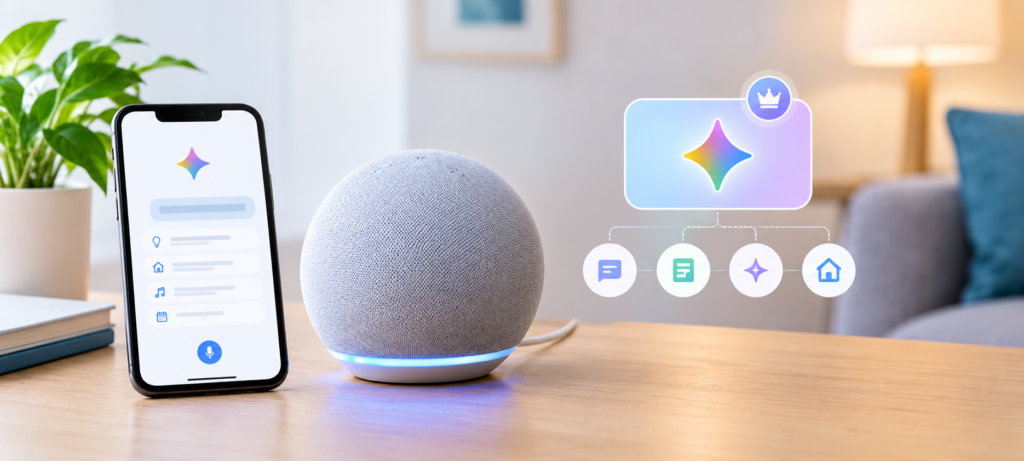
The more advanced Gemini for Home features — deeper conversational assistance, expanded home management capabilities, and potentially other AI-driven tools — may require a Google Home Premium subscription. Google’s US Store currently lists Google Home Premium Standard at $10 per month or $100 per year, though promotional trials and pricing can change, so it’s worth checking the current offer directly on Google’s website at the time you’re buying.
When comparing this speaker against competitors, factor in that recurring cost. A $99.99 speaker plus $100 per year for Premium is a different value equation than the base hardware price alone. Decide whether the advanced features actually matter to how you’d use it before committing to a subscription.
Google Home Speaker vs. Nest Audio vs. Amazon Echo
How does this speaker compare to what else is out there? Here’s a practical look:
| Buying Factor | Google Home Speaker (2026) | Google Nest Audio | Amazon Echo |
|---|---|---|---|
| Main Attraction | Gemini-era Google Home experience | Established Google Assistant speaker | Alexa smart-home ecosystem |
| AI Experience | Gemini for Home | Depends on current rollout and eligibility | Depends on Echo model and Alexa feature availability |
| Matter / Thread | Matter + Thread border router | Check model-specific support | Varies by model |
| Best Fit | Google Home users wanting newer hardware | Existing Google users seeking a previous-generation option | Alexa-centered households |
| Price | $99.99 US list | Check current selling price | Varies by model and sale |
The original Nest Audio and the Google Home Speaker do not have the same specifications, although they belong to the same family. The Nest Audio has been developed with Google Assistant in mind and is a very good speaker, but it lacks the same Gemini-first approach as well as the same smart home capabilities. Upgrading to the Google Home Speaker will make sense only if you really need the Thread border router or the Gemini system.
A good choice for an alternative would be the Amazon Echo speakers which belong to the family of the Alexa speakers. All models of the Echo do not have the same capabilities regarding AI and connectivity, so choose carefully. It is easier to continue building a smart home with the same ecosystem, as switching will involve additional steps.
Pros and Cons of the New Google Home Speaker
Here’s a balanced summary to help you see both sides clearly.
Potential Advantages:
- Smart home experience tailored for Gemini that allows more natural voice commands
- Built-in Matter and Thread 1.3 border router to ensure smart home compatibility
- Good-looking and compact design that fits anywhere in the house
- Up-to-date Wi-Fi 6 and Bluetooth 5.4
- Physical microphone-mute button for better privacy control
- Four color options to match your interior
Potential Disadvantages:
- Advanced functionality of the Gemini may need Google Home Premium subscription after purchasing the hardware
- While audio performance is decent, the speakers won’t be satisfactory for customers looking for good bass and high-quality music
- Some features are tied to regional rollout
- Power cable-only design means there’s no portable option
- Matter-compatible does not mean all devices in your smart home will be compatible out-of-the-box
Who Should Buy It — and Who Should Skip It?
This speaker is a good fit if:
- You’re already using Google Home and want newer hardware that supports the current direction of the platform
- You want reliable voice control for compatible smart-home devices across your home
- You’re building or expanding a smart-home setup that uses Matter and Thread
- You care more about everyday assistance — reminders, routines, quick answers — than listening to music at high quality
You might want to consider alternatives if:
- Music is your main priority and you want full, room-filling sound with solid bass
- You’re in the Amazon Alexa ecosystem and don’t want to rebuild your smart-home setup from scratch
- The idea of an ongoing monthly subscription cost doesn’t appeal to you, especially for features you might not use heavily
- Your current speaker — whether a Nest Audio or an older Echo — already does what you need
Upgrading a speaker makes the most sense when the new features solve a real problem in your home, not just because something newer came out. If your current speaker handles your routines fine and you’re not adding Thread or Matter devices, the upgrade may not feel as impactful as expected.
Frequently Asked Questions
Is the new Google Home Speaker worth $100?
That largely depends on your preferences. The Google Home Speaker can be a good buy at $99.99 if you are a user of Google Home looking for Gemini powered help, support for Thread and Matter and a small speaker for everyday use. If powerful music capabilities and a speaker that supports your smart-home needs are all you want, then this speaker may not be worth the money.
Does the Google Home Speaker require Gemini Premium?
It is not necessary. Basic functionality such as music playing, setting a timer, controlling the smart home, or answering general queries are built into the hardware itself. However, more sophisticated aspects of Gemini for Home will require a Google Home Premium subscription.
Does the Google Home Speaker support Matter?
Yes, it is compatible. In addition to this, it includes a Thread 1.3 border router. However, just because a product has Matter compatibility does not necessarily mean that all of your devices will work right out of the box. Check if your specific products are certified and require a certain controller to operate properly.
Can it work with existing Nest devices?
Most likely, yes — depending on the particular device and features that it supports. The good news is that in case you have Nest cameras, Nest thermostats, or any other Nest devices already integrated into the Google Home application, you should still be able to access them. Also, the question of compatibility depends on software updates of the Google Home platform.
Is the Google Home Speaker better than Nest Audio?
From a perspective of hardware capabilities and AI-related features, yes – this device features a more modern architecture and better connectivity. From an audio quality standpoint, however, things become more debatable. The subjective factor plays a role here as well as room-specific conditions. Thus, if you already own a Nest Audio that works great for you, the differences will not be noticeable.
🔗Related Articles
- Google Home Setup Step-by-Step (2026 Guide for Google Nest, Mini & Smart Home Devices)
- Alexa vs Google Assistant: Smart Home Comparison
- Alexa Keeps Disconnecting? 12 Powerful Fixes That Work Instantly (2026 Guide)
- Best Smart Speakers under $100 (2026) – Top Budget Picks That Actually Sound Good
- Best Smart Speakers for Small Apartments (2026 USA Guide)
- Best Bluetooth Speakers 2026: Shocking Smart Home Picks Under Budget
- Google Nest Mini (2nd Gen) Review – Best Budget Smart Speaker? (2026)
Final Verdict: Should You Buy the Google Home Speaker?
Returning to our initial question: is Google Home Speaker worth buying for $99.99?
For most people using Google Home, particularly if they wish to benefit from Matter-compatible gadgets and a more natural-sounding voice assistant, the choice is to buy the device. There are multiple features that make it significantly different from previous versions of Nest devices: the Thread border router, Wi-Fi 6, and Gemini for Home.
For people prioritizing listening to music, there should be some caution here. The driver of 58 mm and omnidirectional sound system can be suitable only for background sounds since they will not impress any listener requiring good bass and complex audio layers.
Subscription issue requires some contemplation before making purchase. In case you need all features provided by Gemini, consider that it might cost more money due to additional Google Home Premium subscription.
Overall impression: This Google Home Speaker review boils down to compatibility. In case you are planning to create Google-based smart home and you need intelligent device for other things except of playing music, then it is a good option in terms of its price.